 Chop Sampler
User Guide / Synths
Synths
Any pad can hold a synth instead of a sample. Chop includes free synths and drum generators, plus premium instruments in the Store.

A synth pad shows a badge for its instrument instead of a waveform: 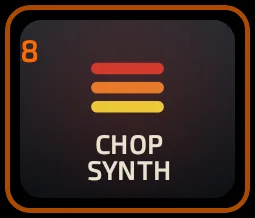
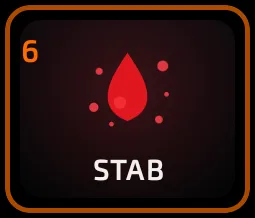
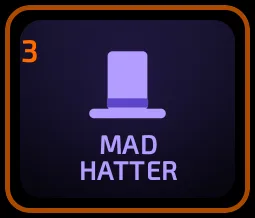
How to load a synth onto a pad
- Select a pad (or long-press an empty pad and tap LOAD SYNTH).
- Open BROWSE > SYNTHS.
- Pick a category chip, or swipe the grid sideways to flip through categories.
- Tap a synth. If the pad already has a sound, confirm REPLACE PAD with APPLY.
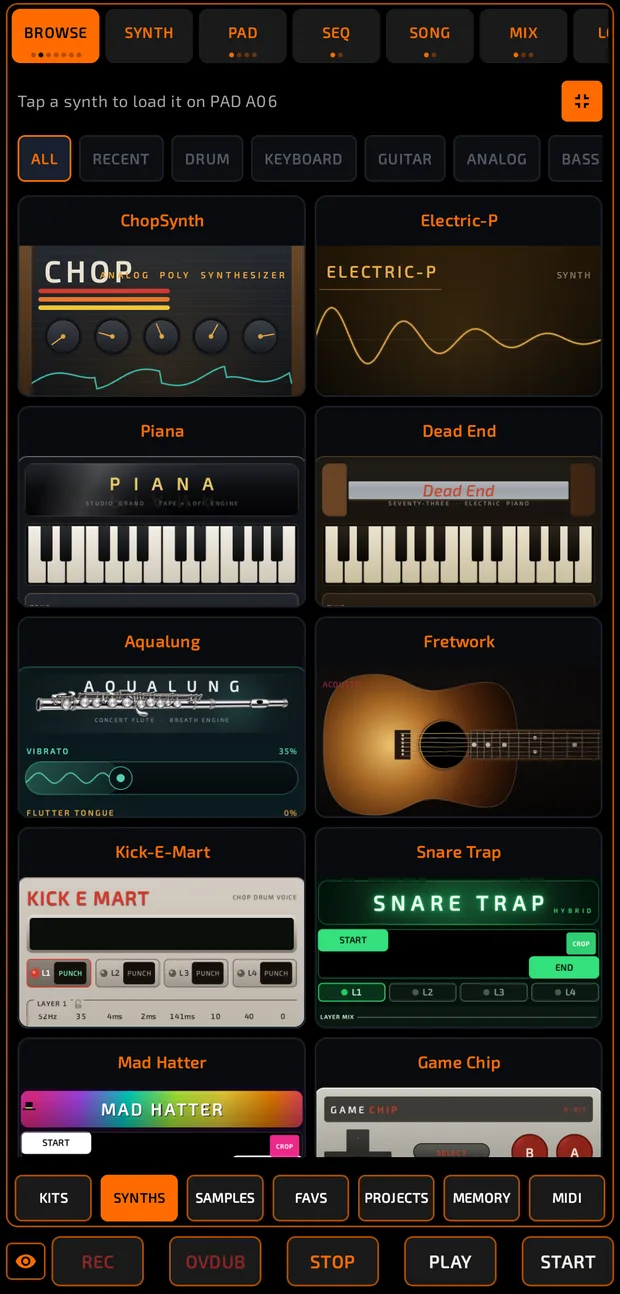
The synth loads with its starting (INIT) sound and the editor opens on the  SYNTH tab (the SAMPLE tab is renamed SYNTH for synth pads).
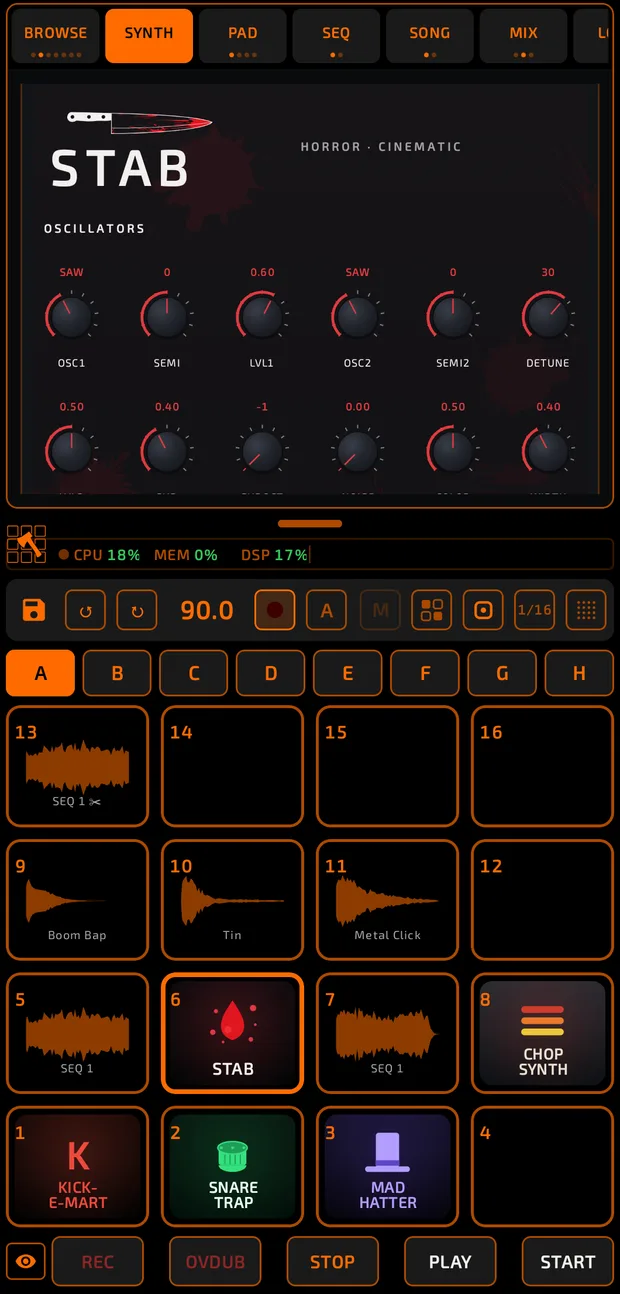
When you load a melodic synth onto a pad, Chop turns on TUNE mode so the pads play it like a keyboard. Drum synths skip this.
The RECENT chip shows the last 8 synths you loaded.

The synth container
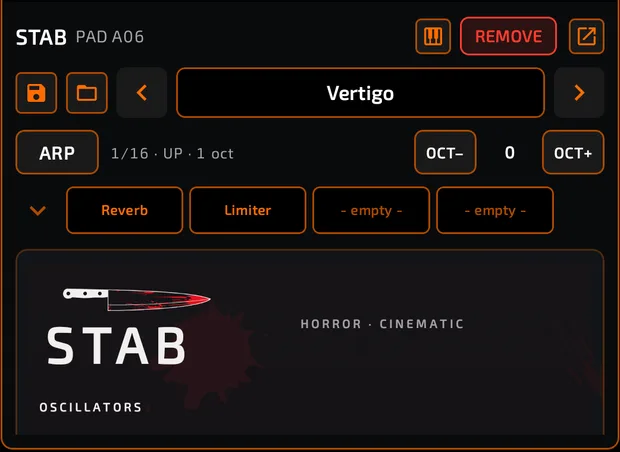
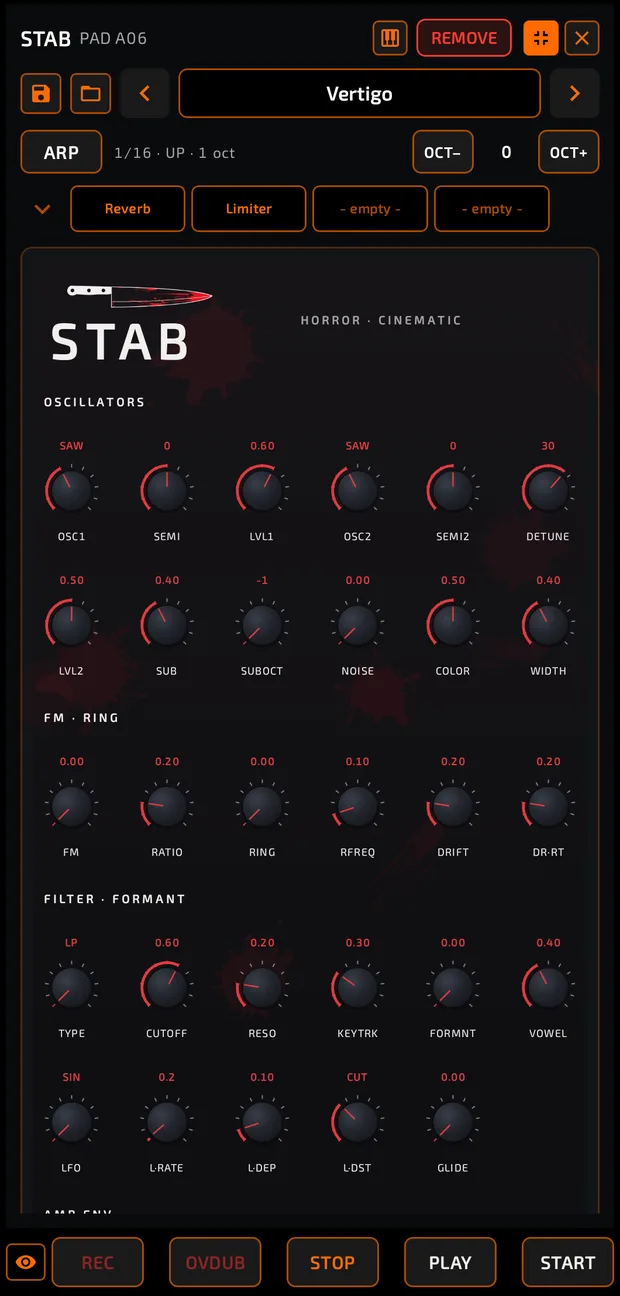
From top to bottom:
- Header: the synth name and pad, the keyboard icon
 (TUNE mode on/off), a red
  REMOVE chip, and a pop-out icon
  that floats the editor over the pads.

- Preset strip: save
 , load
  , ◀ preset name ▶. Tap the name to open the full preset list.

- ARP row: the arpeggiator, plus
 OCT- /
  OCT+ to shift the synth by an octave.

- EFX row: the pad's effect slots, 4 at a time (the arrow shows the other 4).

- The synth's face: its knobs, faders and switches. Every synth has its own look.
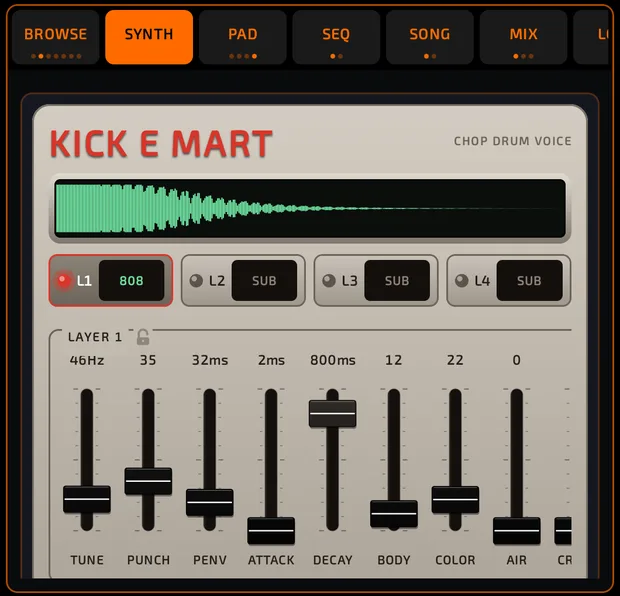
A floating editor can be moved, resized, expanded to full screen with  or closed back into its dock. Tap
  to come out of full screen.
On the PAD tab, a synth pad's header shows ◀ ♪ SYNTH · preset ▶. The arrows change presets without opening the editor.
Removing a synth
Tap REMOVE and confirm. If the pad has notes in the sequencer, Chop asks whether to delete the notes, the synth, or both.
Presets
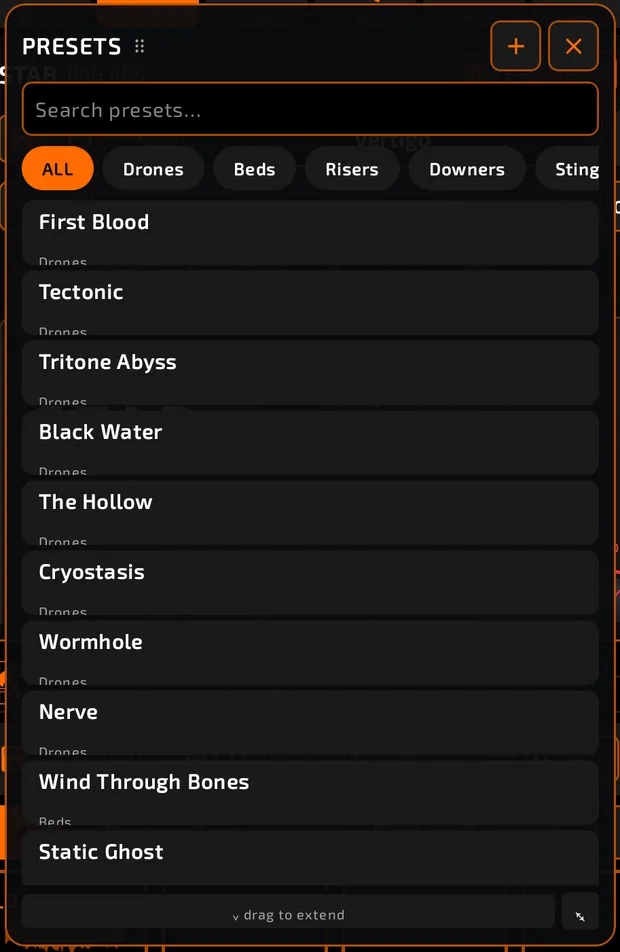
Tap the preset name to open PRESETS. It floats over the screen and the pads keep working, so you can audition sounds as you browse.
- Search presets… finds a preset by name.
- Chips: ALL, the synth's own categories, and USER (your saved sounds).
- Tap a preset to load it. The window stays open.
How to save your own preset
- Tap + in the PRESETS window (or the save icon on the preset strip).
- Type a name and confirm.
A preset saves the full sound: synth settings, effects, arp, pitch, play mode and mute group. It doesn't save the pad's mixer level or routing.
Your own presets show a pencil (rename) and trash can (delete). You can also long-press one to rename it. Factory presets can't be changed.
Back up your presets: set a folder in Settings > FILE MANAGEMENT > BACKUP > PRESET BACKUP FOLDER. After a reinstall, set the same folder and tap RESTORE FAVORITES & SETTINGS.
Playing a synth on the pads (TUNE)
Tap the keyboard icon in the synth header to turn TUNE mode on or off. In TUNE, every pad plays the synth one semitone higher than the last, so the grid becomes a keyboard. For scales, chords and more, see Pad Modes.
Several synths also have a small playable keyboard built into their face.
Arpeggiator
- Tap
 ARP to turn it on. (This also sets the pad to NOTE ON, so notes play while held.)
 - Hold one or more pads or keys. The notes play one after another.
- Long-press ARP for ARP OPTIONS:
| Option | Choices |
|---|---|
| PATTERN | UP, DOWN, UP/DN, RAND, DN/UP, CONV, UPx2 |
| RATE | 1/4, 1/8, 1/8T, 1/16, 1/16T, 1/32 |
| OCT | 1, 2, 3, 4 octaves |
| TRIGGER | AUTO (runs while held) or KEYS (each press steps the arp) |
| LINK | ON keeps the arp running after you let go (latch). A new set of notes replaces the old one. |
| SYNC | FREE or GRID (locks to the beat while playing) |
The status line next to ARP shows the current settings, for example 1/16 · UP · 1 oct.
Mono, poly and glide
- Set POLY or MONO on PAD > LOGIC. Presets set this for you.
- In MONO, the newest note always wins. Hold a note, play another, and release the second: the first comes back smoothly (legato).
- Many synths have a GLIDE control on their face to slide between notes in MONO.
MIDI expression
With a MIDI keyboard (see MIDI):
- Pitch bend bends synth notes.
- Mod wheel adds vibrato on many synths; some synths use it for something else (for example growl on Supreme).
- Sustain pedal holds notes until you lift it.
- Aftertouch is passed to synth pads. ChopSynth has an A.TOUCH section to route it.
Every synth
FREE synths are included with Chop. PREMIUM synths are sold in the Store (some come in packs). Purchases aren't open yet; during testing everything is unlocked.
Drums
| Synth | Description | |
|---|---|---|
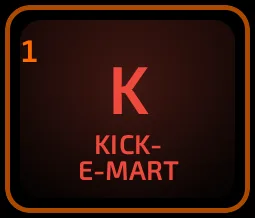
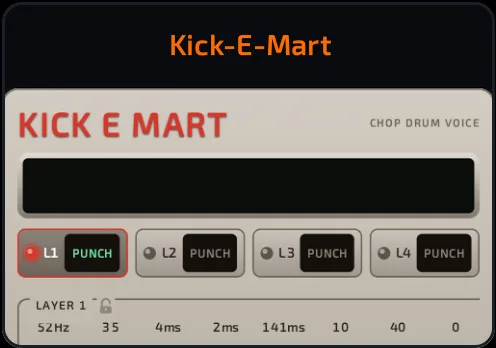 Kick-E-Mart Kick-E-Mart | FREE | Four-layer kick drum generator, from vintage drum machine to acoustic kicks, with per-layer pitch. |
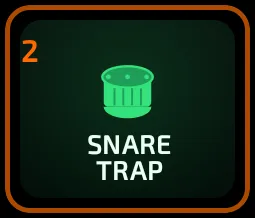
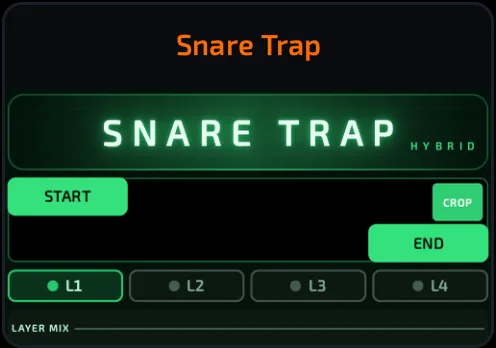 Snare Trap Snare Trap | FREE | Four-layer snare, rimshot and clap generator for boom-bap, lo-fi, trap and acoustic sounds. |
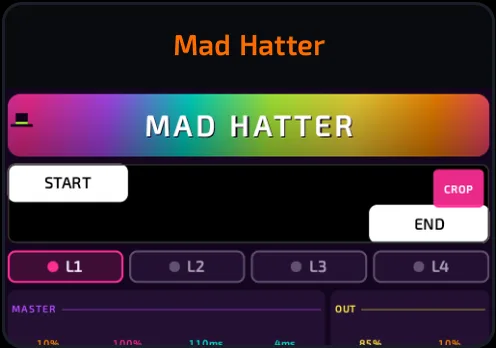 Mad Hatter Mad Hatter | FREE | Four-layer hi-hat and cymbal generator: closed, open, crash, ride, splash and metal percussion. |
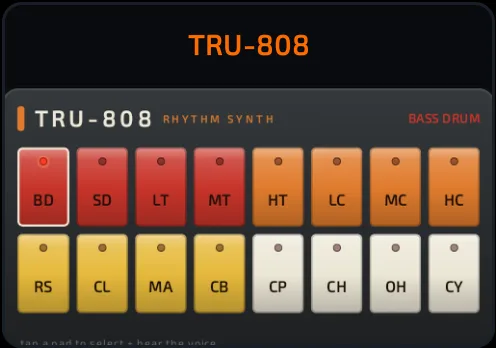 TRU-808 TRU-808 | PREMIUM | An analog-modeled take on the most famous drum machine of the 80s, with a deep bank of booming bass presets. |
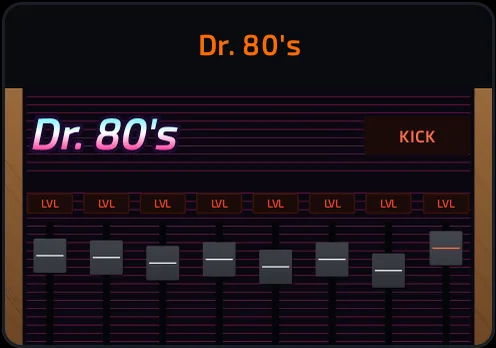 Dr. 80's Dr. 80's | PREMIUM | Crunchy early-80s sampled drum machine with per-sound tune, decay, drive and punch. In TUNE mode it spreads one drum per pad. |
Keyboards
| Synth | Description | |
|---|---|---|
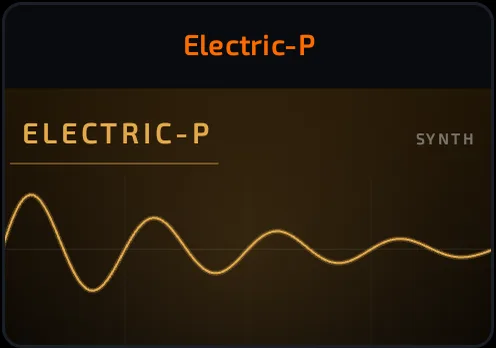 Electric-P Electric-P | FREE | Classic tine electric piano with vibrato and rotary character. |
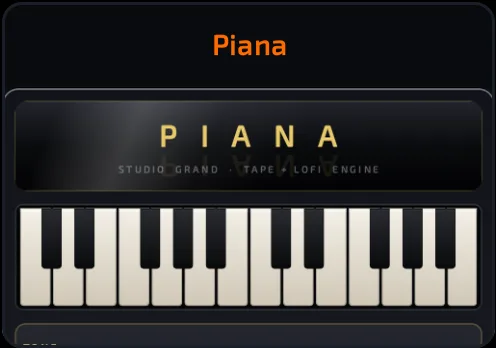 Piana Piana | PREMIUM | Hybrid piano: real concert-grand recordings with a built-in character chain (bright, crush, tape and hiss), clean or dusty. |
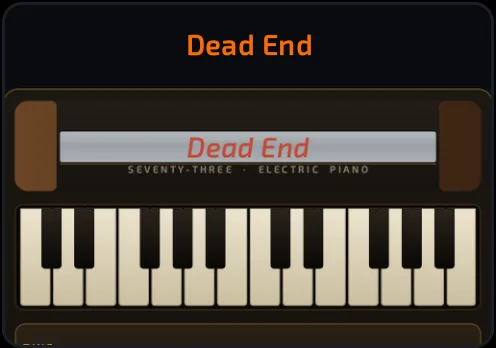 Dead End Dead End | PREMIUM | Suitcase-style vintage electric piano with bark, bell and tremolo for soul, lo-fi and neo-soul keys. |
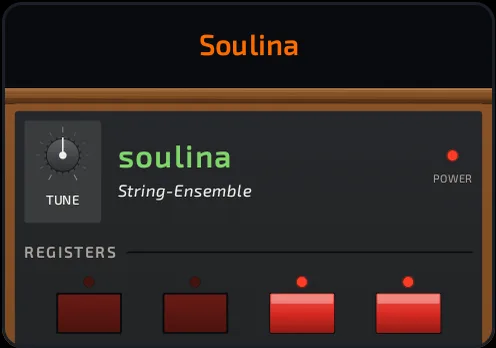 Soulina Soulina | PREMIUM | Lush 70s string-ensemble machine with ensemble chorus. (Pack: Midimood + Soulina + Organo) |
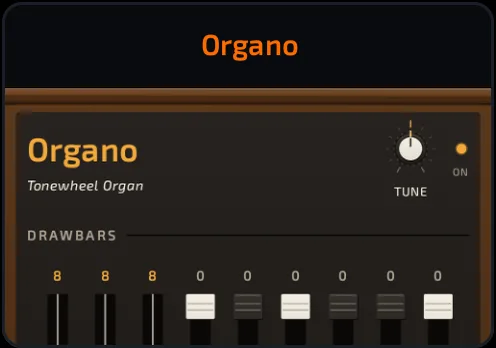 Organo Organo | PREMIUM | Drawbar tonewheel organ with key click, percussion and scanner vibrato. (Pack: Midimood + Soulina + Organo) |
Analog and FM
| Synth | Description | |
|---|---|---|
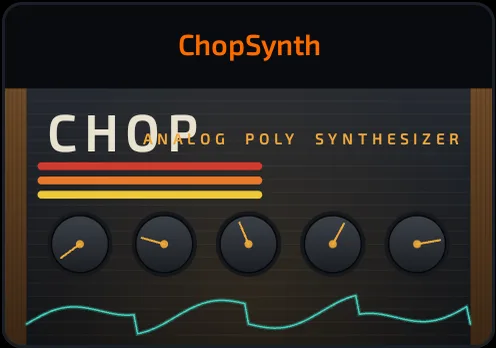 ChopSynth ChopSynth | FREE | Chop's own two-oscillator analog-style poly synth with filter, envelopes, LFO, glide and aftertouch. |
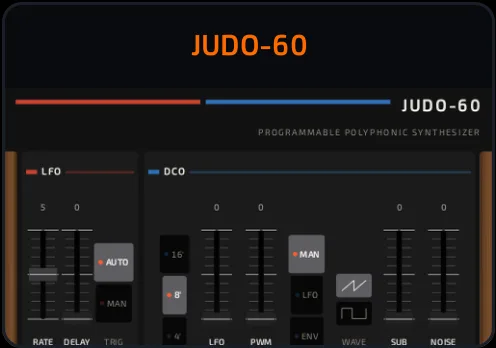 JUDO-60 JUDO-60 | PREMIUM | Lush early-80s-style analog poly synth with its famous chorus. (Pack: DX-79 + JUDO-60) |
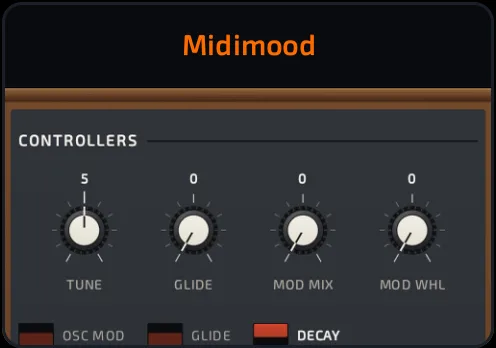 Midimood Midimood | PREMIUM | Fat 70s-style three-oscillator mono synth with a classic ladder filter. (Pack: Midimood + Soulina + Organo) |
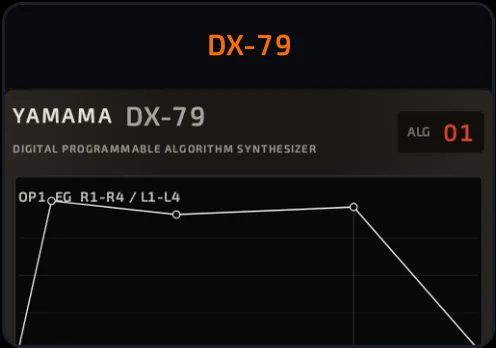 DX-79 DX-79 | PREMIUM | Six-operator FM synth in the spirit of the 80s digital keyboard that defined a decade, with 32 algorithms. (Pack: DX-79 + JUDO-60) |
Bass and guitar
| Synth | Description | |
|---|---|---|
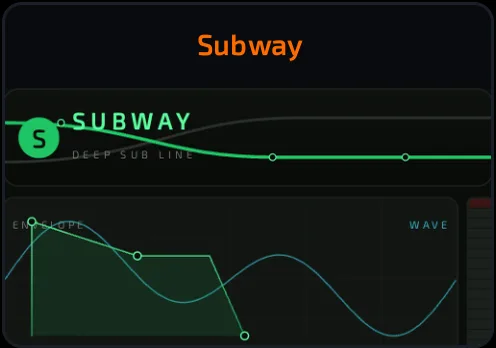 Subway Subway | PREMIUM | Clean, chest-shaking sub bass with drive, fold and punch for trap and drill low end. |
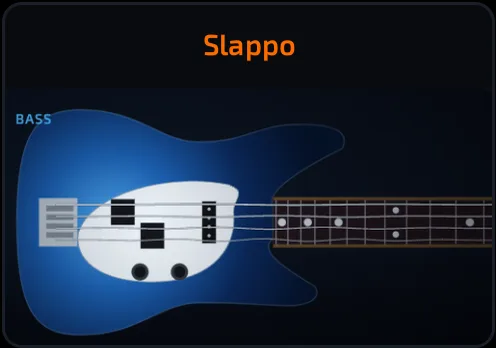 Slappo Slappo | PREMIUM | Modeled bass guitar: finger, pick, slap and fretless, with fret noise. (Pack: Fretwork + Slappo) |
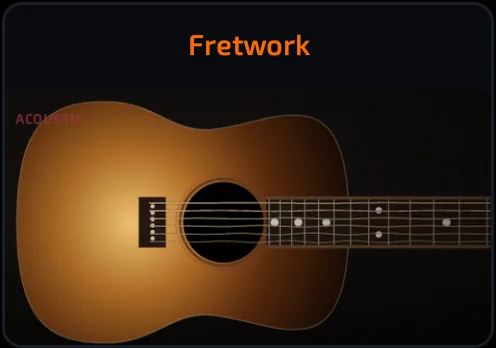 Fretwork Fretwork | PREMIUM | Modeled plucked guitar strings, acoustic and electric. (Pack: Fretwork + Slappo) |
Wind and voice
| Synth | Description | |
|---|---|---|
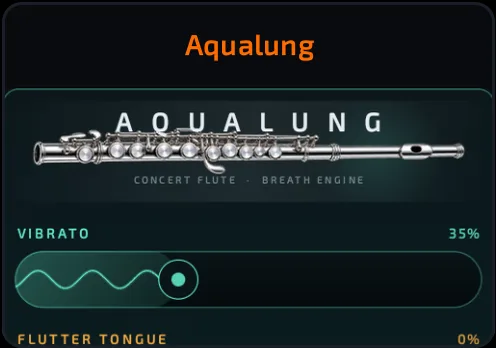 Aqualung Aqualung | PREMIUM | Real concert flute recordings with breath, vibrato and flutter-tongue you can shape. |
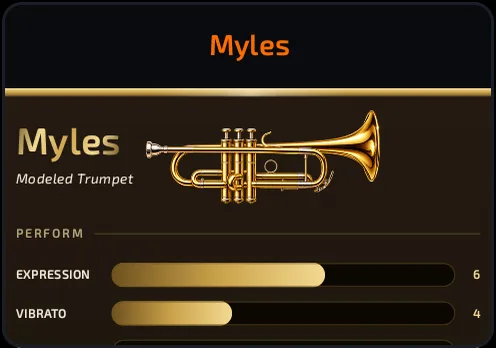 Myles Myles | PREMIUM | Modeled trumpet built from real soft, medium and loud recordings, with breath, vibrato, mute and growl. (Pack: Myles + Supreme) |
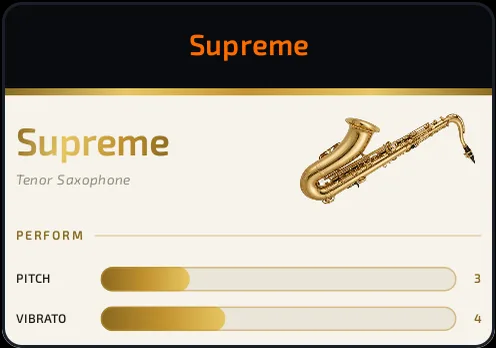 Supreme Supreme | PREMIUM | Real tenor sax with pitch scoop, vibrato, growl and breathy subtone. (Pack: Myles + Supreme) |
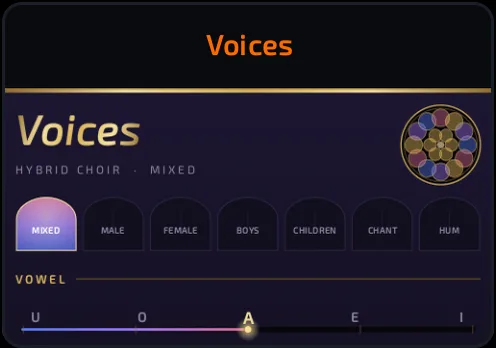 Voices Voices | PREMIUM | Hybrid choir from real choir recordings with a live vowel morph: mixed, male, female, boys, children, chant and hum, with hall and lo-fi built in. |
Bells, chiptune and experimental
| Synth | Description | |
|---|---|---|
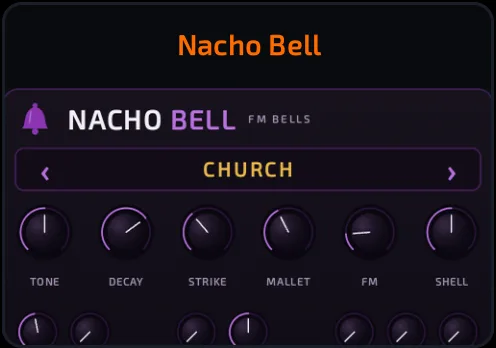 Nacho Bell Nacho Bell | PREMIUM | Bells, chimes and mallets: church bells, tubular chimes, vibes and gongs, clean or lo-fi. |
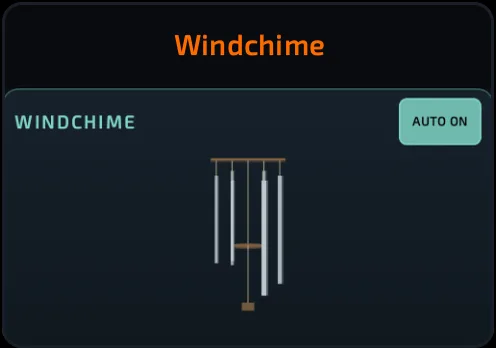 Windchime Windchime | PREMIUM | Wind chimes from measured chime tubes, with an AUTO wind that plays them for you. |
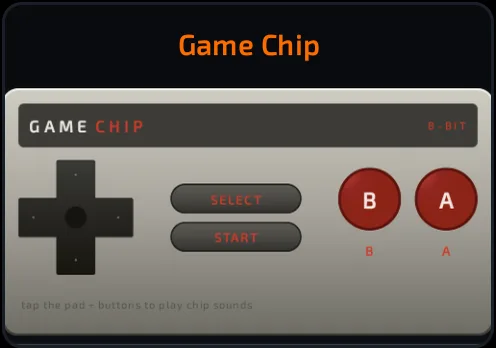 Game Chip Game Chip | PREMIUM | Classic 8-bit console sound with built-in game sound-effect macros and a playable gamepad face. |
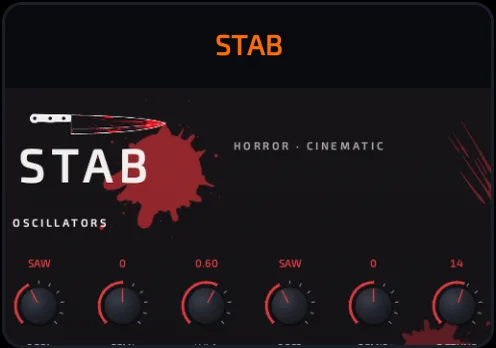 STAB STAB | PREMIUM | Horror and cinematic hybrid synth: screams, drones and dread, with a DREAD macro and a hybrid piano. |
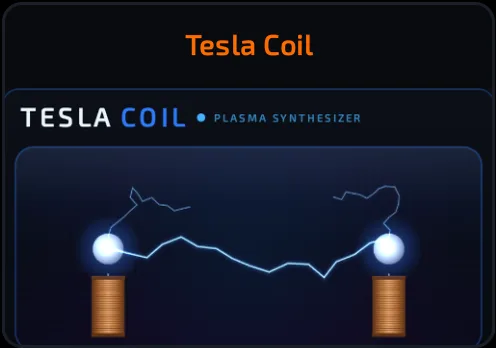 Tesla Coil Tesla Coil | PREMIUM | The buzzing, crackling sound of a singing tesla coil, with a reactive plasma face. |
In the picker, synths are grouped as DRUM, KEYBOARD, GUITAR, ANALOG, BASS, WIND, VOCAL, FX, CHIPTUNE, HORROR, EXPERIMENTAL, BELL and FM. The FX category is empty for now ("more coming soon").
Tips
- Open PRESETS and keep tapping pads while you scroll: it's the fastest way to find a sound.
- Save your tweaks as a USER preset before trying something wild.
- Synths with effects cost DSP. If things crackle, flatten a synth pad into a sample.