 Chop Sampler
User Guide / Effects
Effects
Add reverb, delay, compression, lo-fi grit and more to any pad, to a bus, or to the whole mix. The 16 effects whose names start with "Chop" are free; the rest are premium (see Store).
Where effects go
| Place | Slots | Where to find it |
|---|---|---|
| Each pad | 8 |  PAD > EFX, the synth editor's EFX row, or the pad's strip in MIX PAD > EFX, the synth editor's EFX row, or the pad's strip in MIX |
| Each of the 8 buses | 8 | MIX > BUSES |
| Master (the whole mix) | 8 | The MASTER strip in MIX |
All 8 slots are free on every pad, bus and the master.
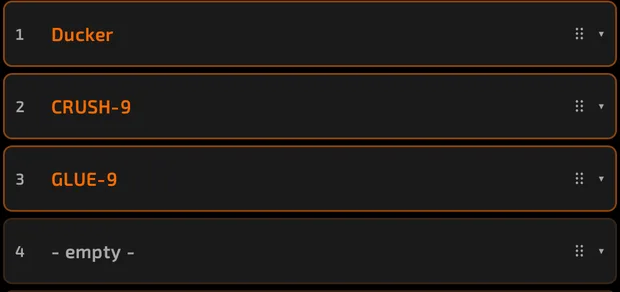
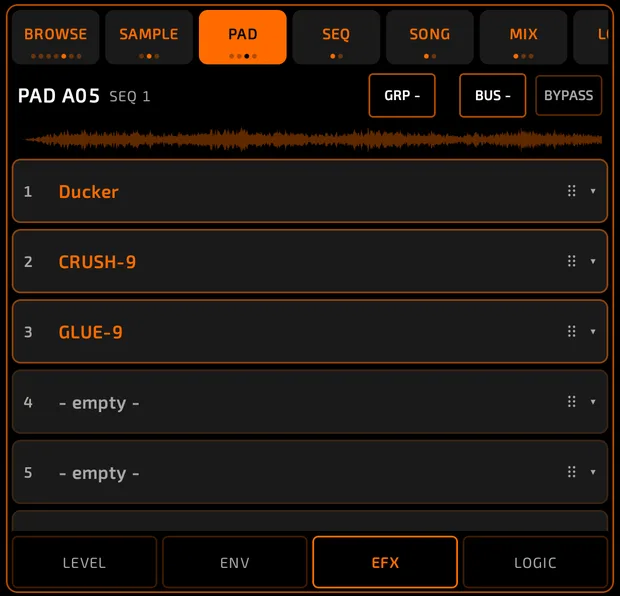
In a synth editor the same slots appear as the EFX row:

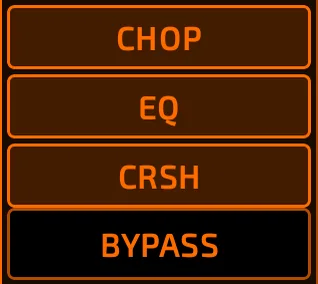
On the master they appear as chips along the top of the MASTER strip:
A few synths keep hidden built-in effects for their own sound (for example Voices' hall and lo-fi), so those pads show fewer free slots.
To send pads through a bus, set the pad's BUS chip (PAD tab header or mixer strip) to BUS 1 to BUS 8. See Mixer.
How to add an effect
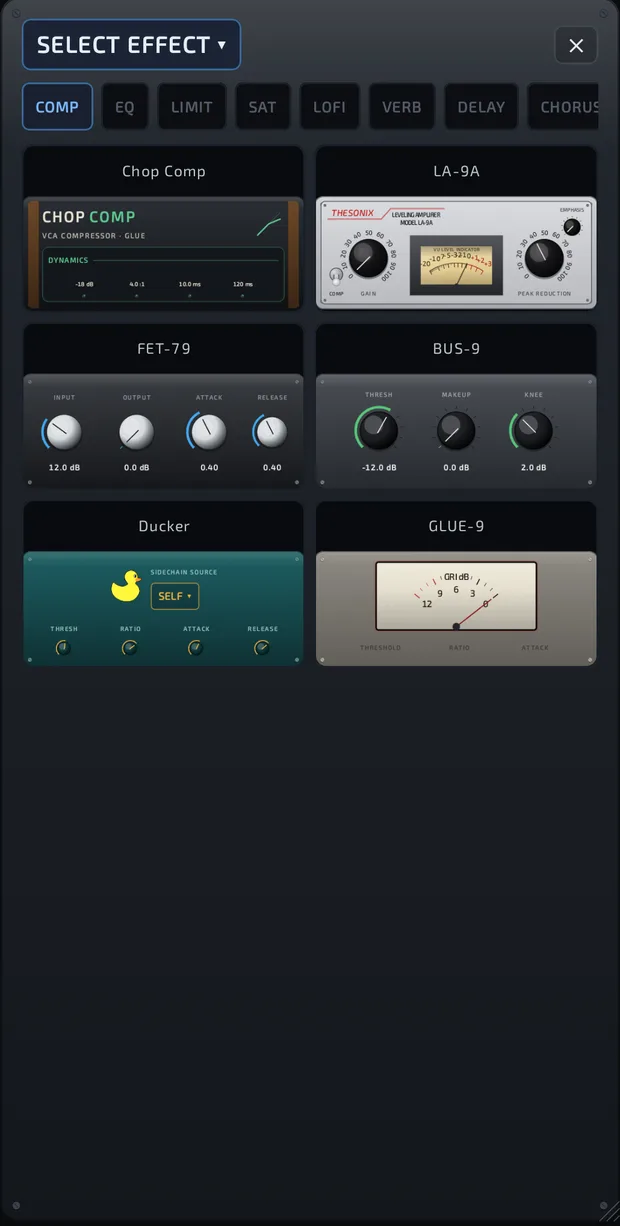
- Tap an empty slot (it reads - empty - on the PAD tab, or effects in the mixer).
- The picker opens. Choose a category chip, or swipe the grid sideways.
- Tap an effect.
Categories: COMP, EQ, LIMIT, SAT, LOFI, VERB, DELAY, CHORUS, MODULATION, AMP, FILTER, METER.
What each category holds
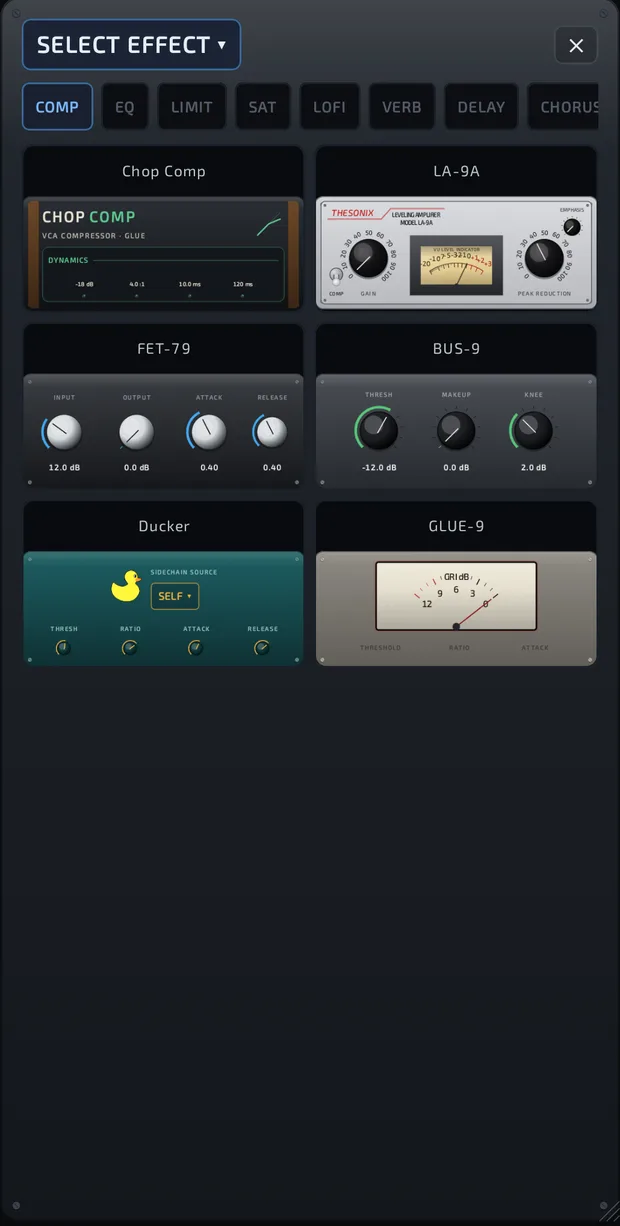
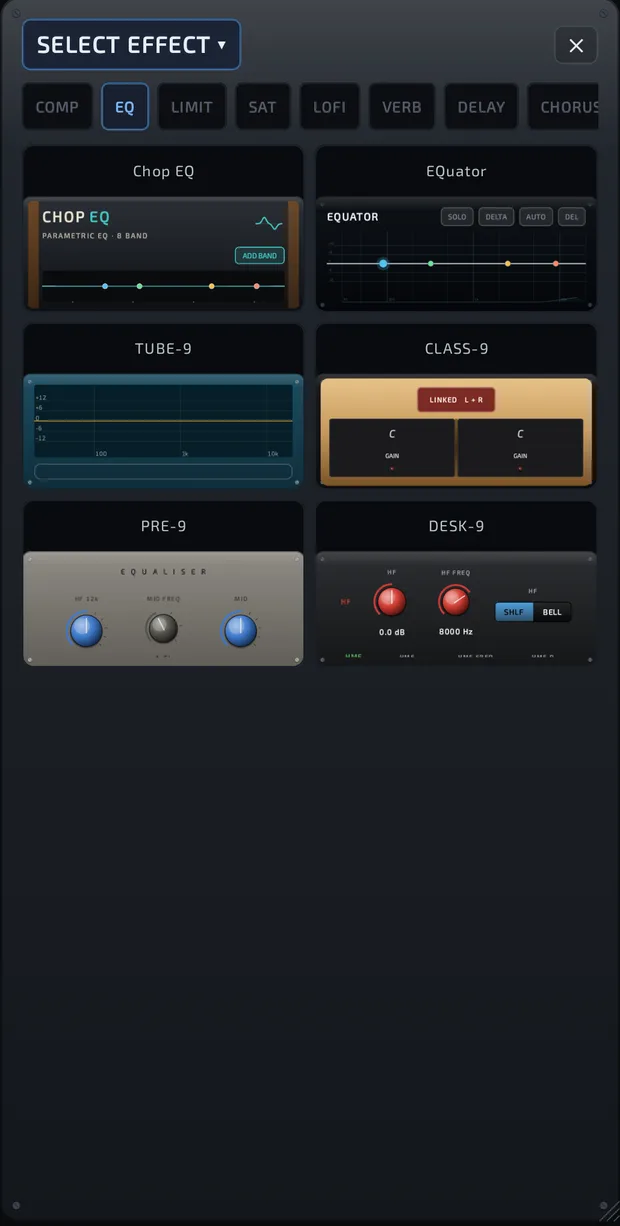
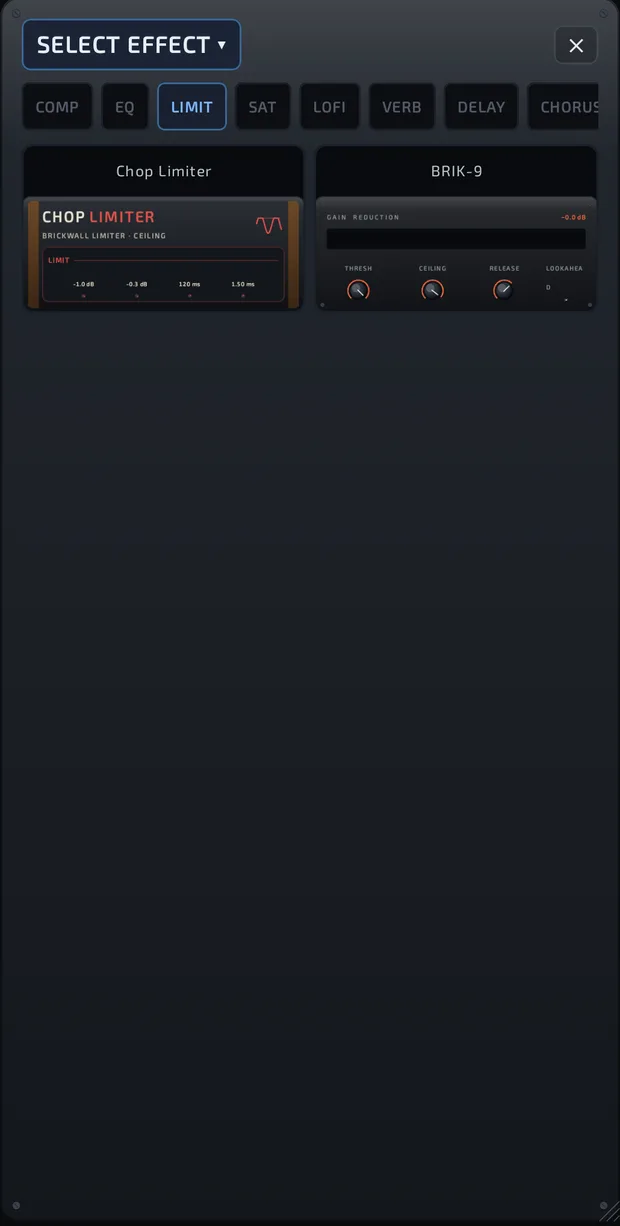
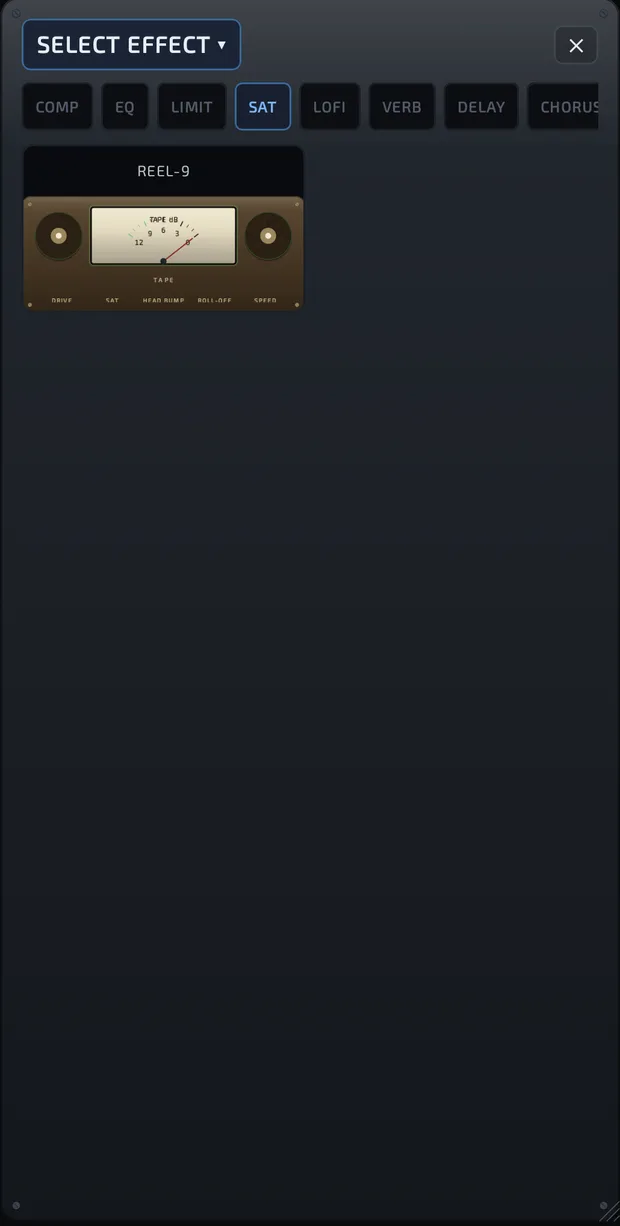
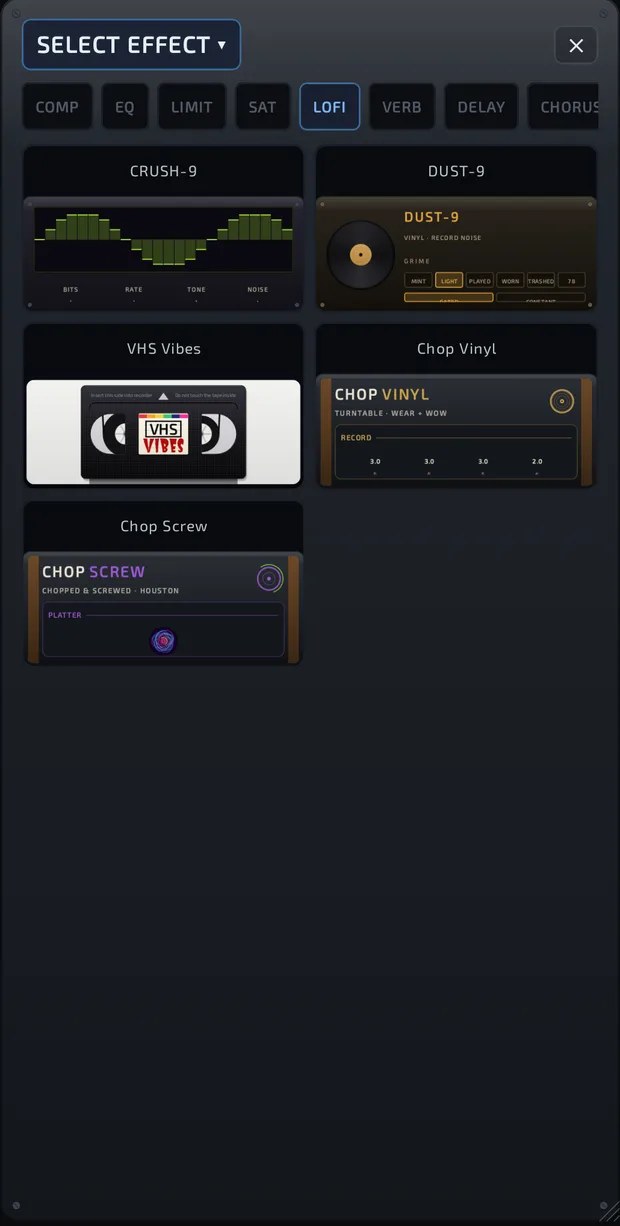
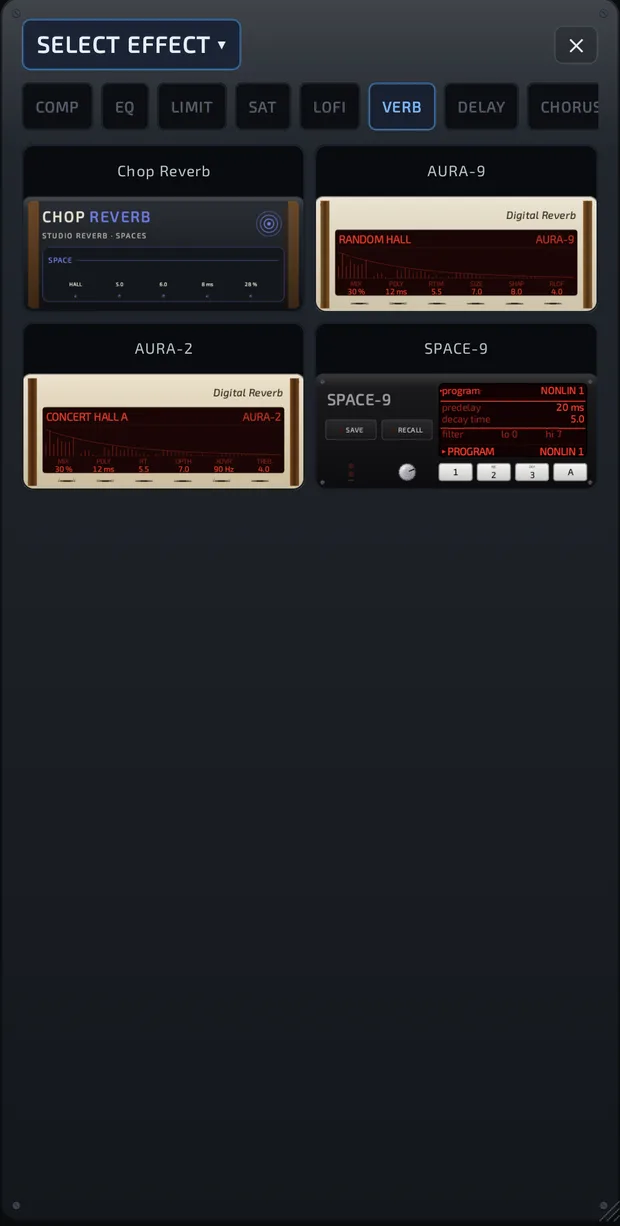
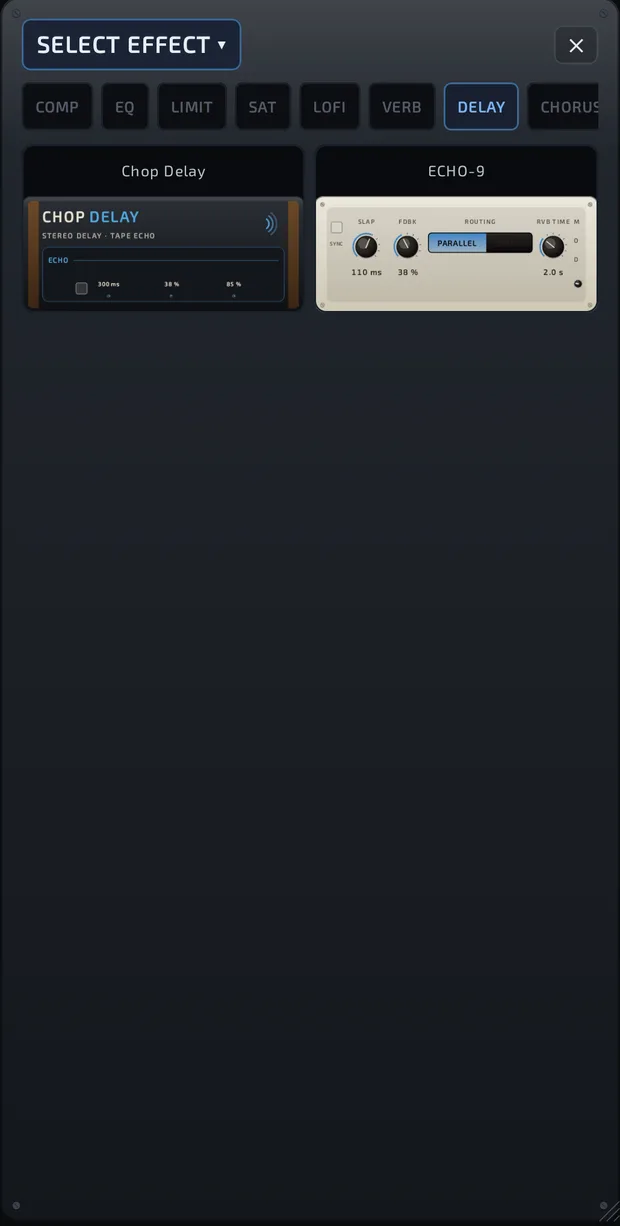
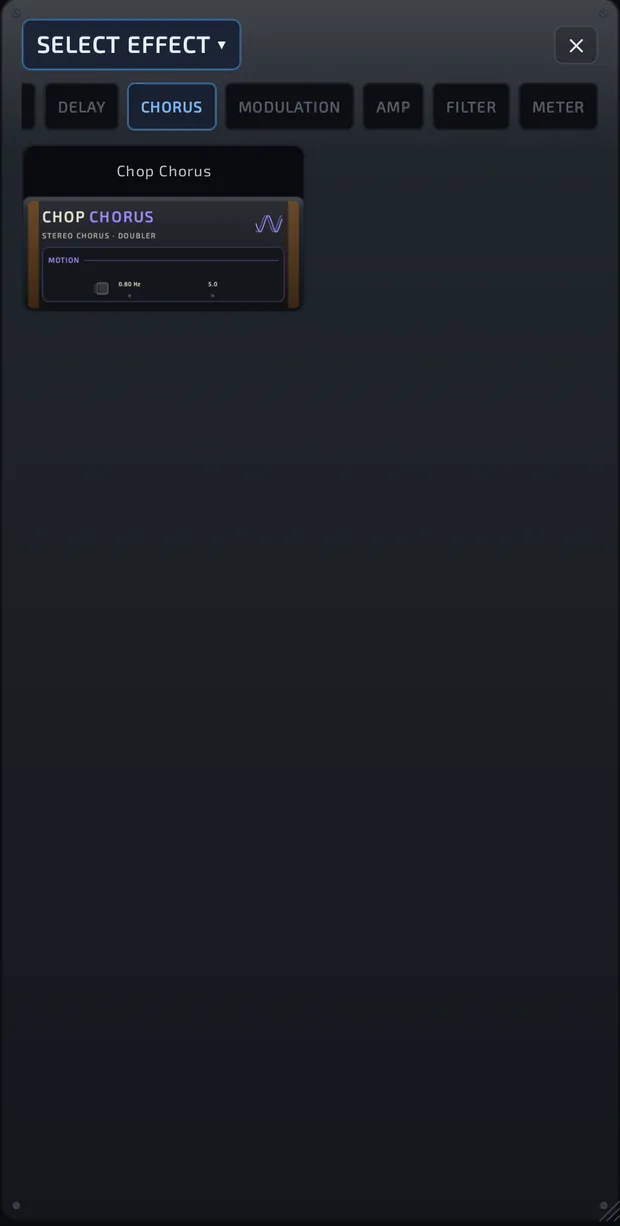
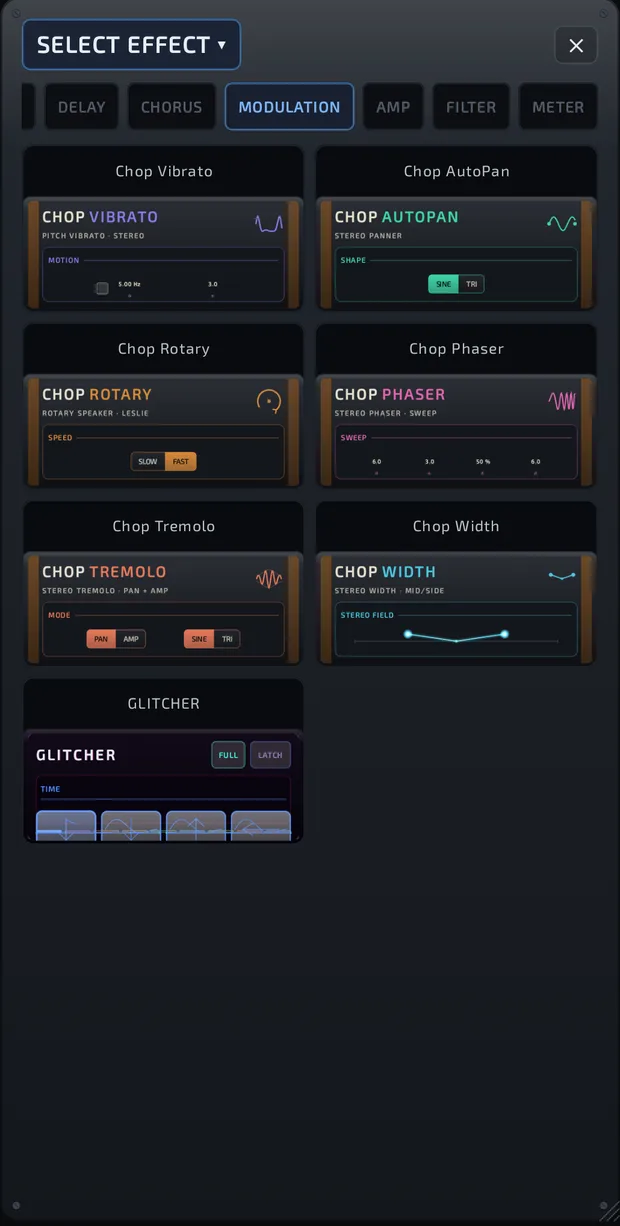
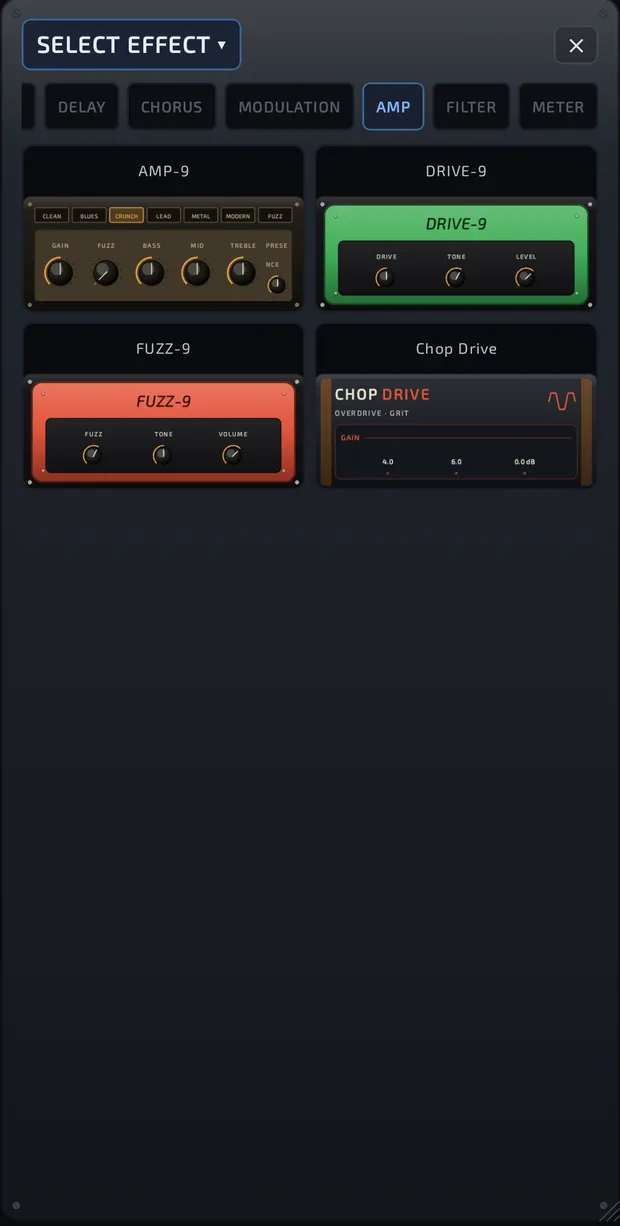
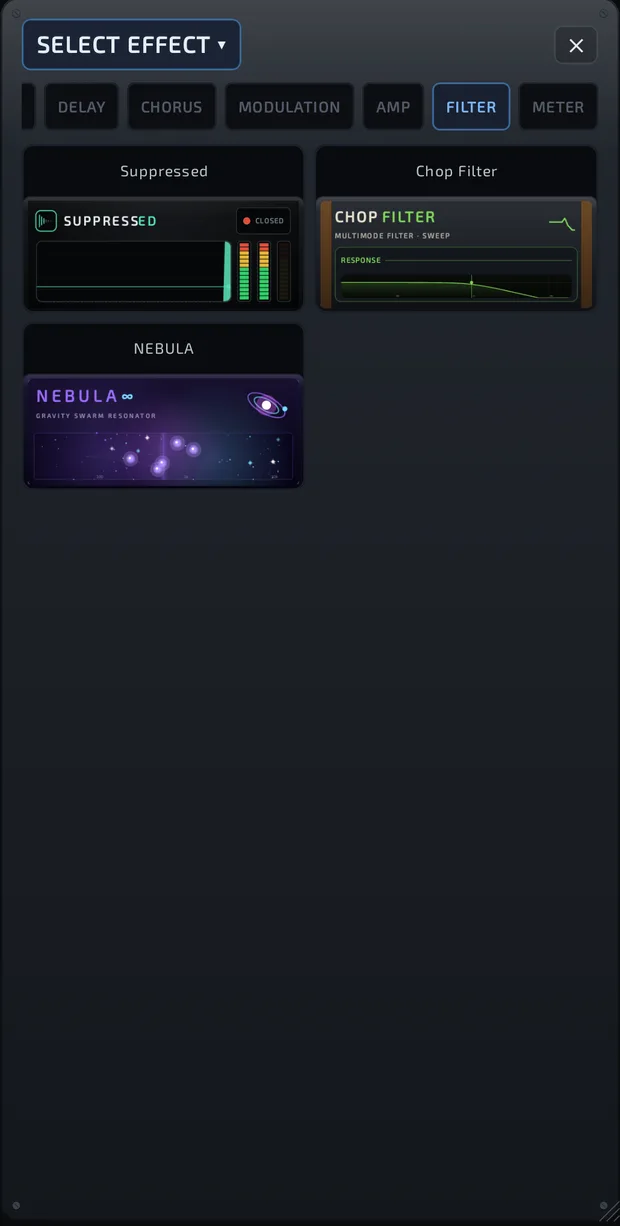
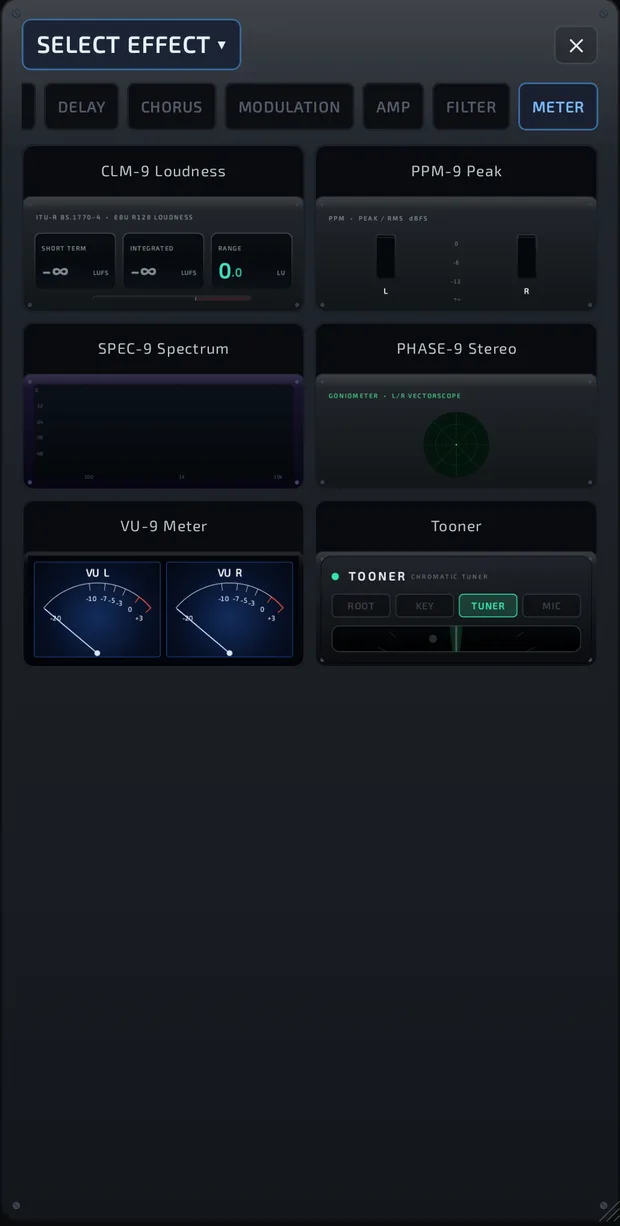
To swap an effect, tap the effect's name (with ▾) in its window, pick another and confirm REPLACE EFFECT.
The effect window
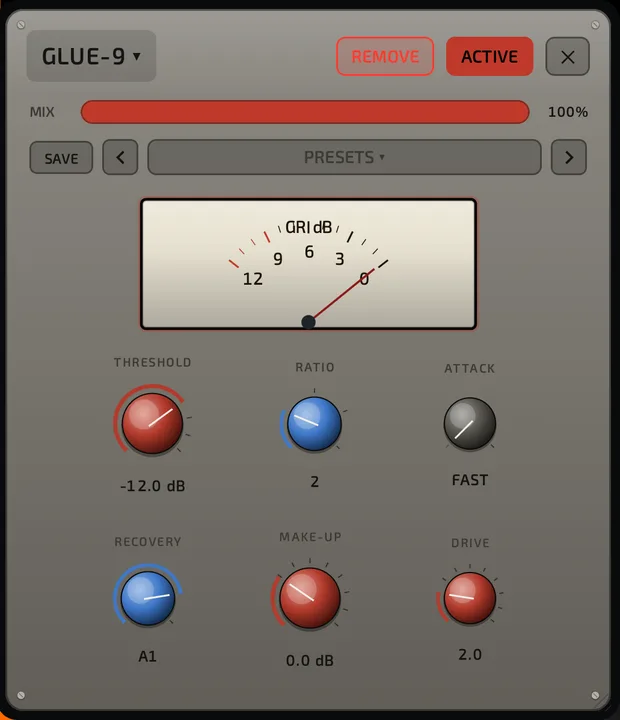
Every effect has its own face, so no two windows look alike:
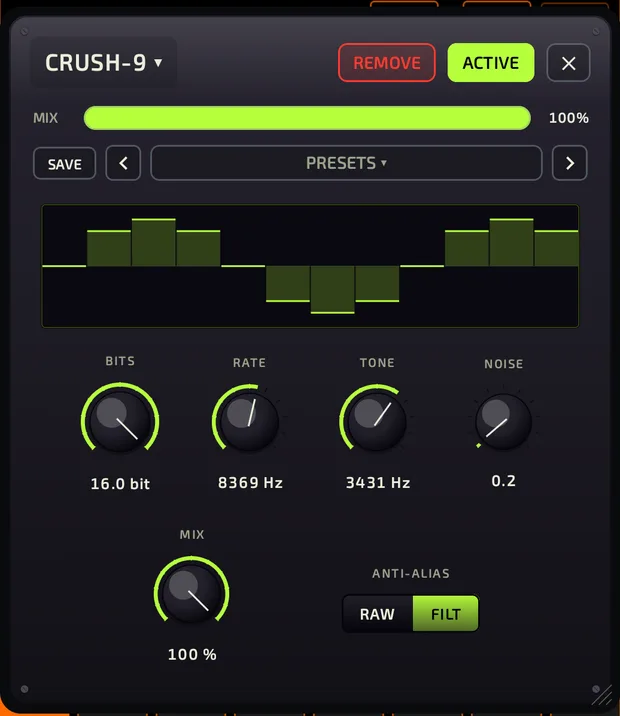
Effect windows float over the screen, so you can keep playing pads while you tweak.
- Drag an empty area to move the window. Drag the bottom-right corner to resize it.
- Name ▾: opens the picker to change the effect.
- REMOVE: takes the effect out of the slot (asks first).
- ACTIVE / BYPASSED: switch this one effect off and on.
- ✕: close the window.
- MIX: dry/wet blend, on every effect except the meters.
Bypass and order
- One effect: ACTIVE / BYPASSED in its window.
- All of a pad's effects:
 BYPASS in the PAD tab header (EFX page), or on the pad's full-screen mixer page.
 - All master effects: the BYPASS bar under the master effects.
- Change the order: on PAD > EFX, long-press a slot and drag it up or down.
Effect presets
Under the MIX bar is the preset strip: SAVE, ◀ preset ▶.
- SAVE stores the current settings straight away as a new preset named after the effect.
- ◀ ▶ step through presets.
- Tap the preset name to open FX PRESETS: search, filter by use (for example DRUMS, BASS, VOCAL, MASTER) or MY (your own), and tap to load.
- + saves with a name you choose. Your own presets can be renamed (pencil, or long-press) or deleted (trash can; there's no confirmation).
Factory presets can't be changed. Back up your presets with Settings > FILE MANAGEMENT > BACKUP > PRESET BACKUP FOLDER.
Tempo sync
Effects with a SYNC chip lock to the song tempo: Chop Chorus, Chop Delay, ECHO-9, Chop Filter, Chop Vibrato, Chop AutoPan, Chop Tremolo and Chop Phaser.
Sidechain ducking (Ducker)
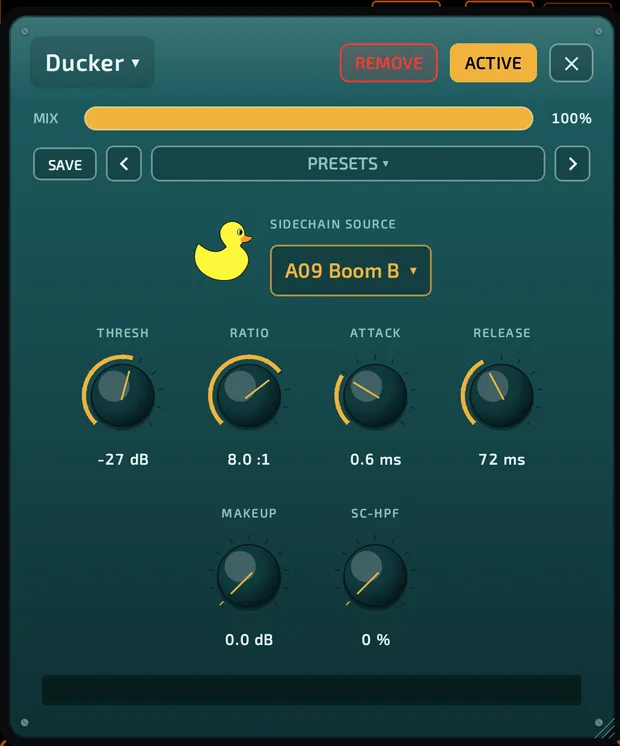
Make a kick push the bass (or a whole bus) down so it punches through.
- Add Ducker to the pad or bus you want ducked (for example your bass).
- Under SIDECHAIN SOURCE, pick the pad that should do the pushing (for example your kick).
- Adjust THRESH, RATIO, ATTACK and RELEASE to taste.
The default source is SELF (no duck), which doesn't duck. The source is always a pad. Ducker works on pads, buses and the master.
Performance effects
GLITCHER
GLITCHER window with the bank rail A-H and U, the 4x4 glitch pads, LATCH, FULL and the macro sliders.
effects-glitcher.mp4
A beat-synced glitch instrument: stutters, repeats, reverses, turntable and tape stops.
- 8 banks (A to H: TIME, STUTTER, TURNTABLE, TAPE, GATE, FILTER, MANGLE, CHAOS), each with 16 glitch pads.
- Hold a glitch pad to glitch the sound. LATCH keeps it going after you let go.
- Sliders: RATE, TONE, CRUSH, GATE, WET, INTENSITY.
- U bank is your library: tap an empty pad to save the current glitch, tap a saved one to recall it, drag to swap or delete.
- FULL makes GLITCHER fill the screen; EXIT shrinks it back.
- Put it on the master to glitch the whole beat.
VHS Vibes
Hold DROP, WARP or EAT TAPE for live tape mangling.
Suppressed
Hold LEARN to teach it the background noise. Hold HEAR CUT to hear only what's being removed.
Every effect
FREE = included with Chop. PREMIUM = sold in the Store, sometimes in a pack (shown in brackets). Purchases aren't open yet; during testing everything is unlocked.
COMP (dynamics)
| Effect | Description | |
|---|---|---|
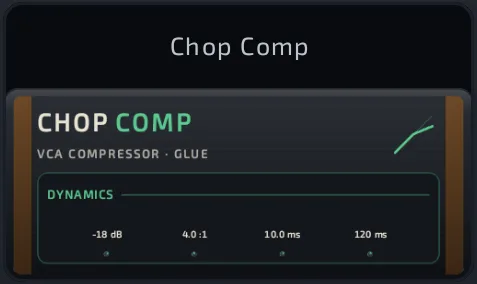 Chop Comp Chop Comp | FREE | Clean compressor with a MIX knob for parallel compression. |
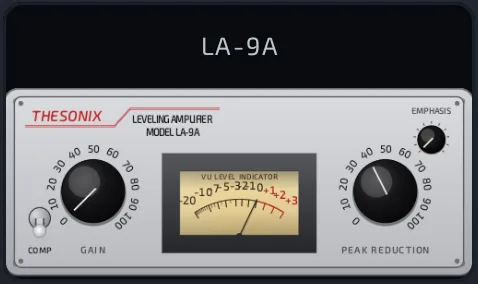 LA-9A LA-9A | PREMIUM | Smooth optical leveling compressor in the spirit of classic 1960s tube studio units. |
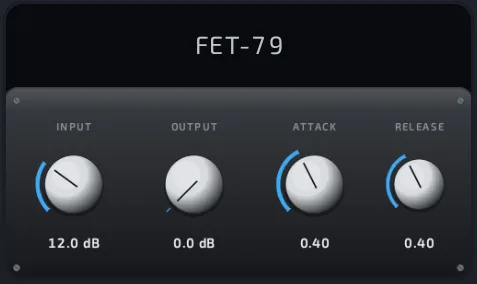 FET-79 FET-79 | PREMIUM | Lightning-fast, aggressive 70s-style FET compressor. (Vintage Compressors) |
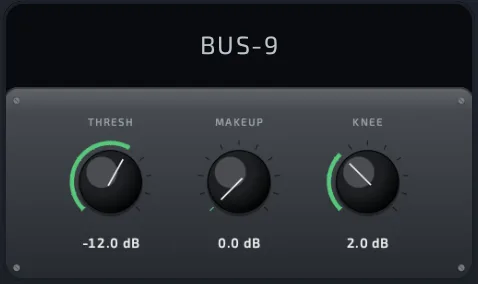 BUS-9 BUS-9 | PREMIUM | Big-console mix-bus "glue" compressor. (Vintage Compressors) |
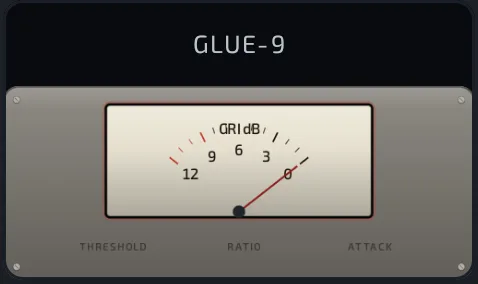 GLUE-9 GLUE-9 | PREMIUM | Warm diode-bridge bus compressor with drive. (Vintage Compressors) |
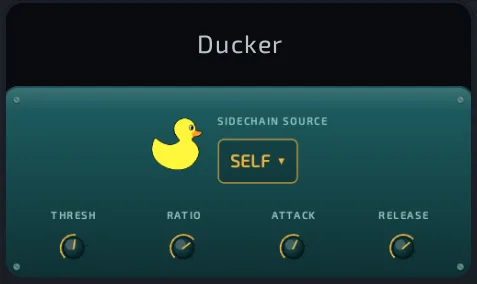 Ducker Ducker | PREMIUM | Sidechain ducking from another pad. |
EQ
| Effect | Description | |
|---|---|---|
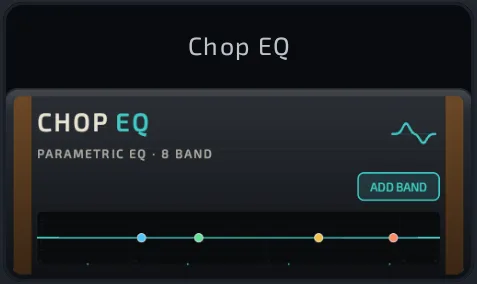 Chop EQ Chop EQ | FREE | Drag-the-curve parametric EQ with shelf or steep-cut ends and extra bands. |
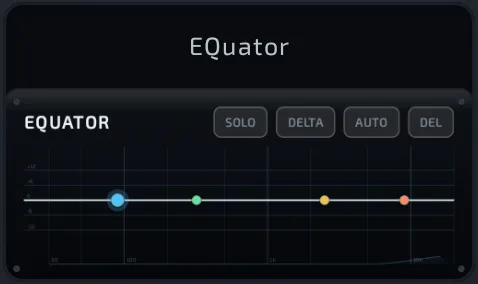 EQuator EQuator | PREMIUM | Precision analog-matched EQ with up to 12 bands, per-band dynamics and a live analyzer. |
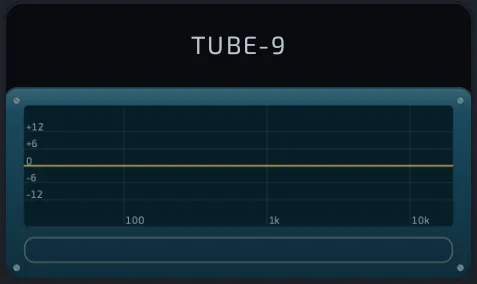 TUBE-9 TUBE-9 | PREMIUM | Passive tube program EQ with the famous boost-and-cut low-end trick. (Vintage EQs) |
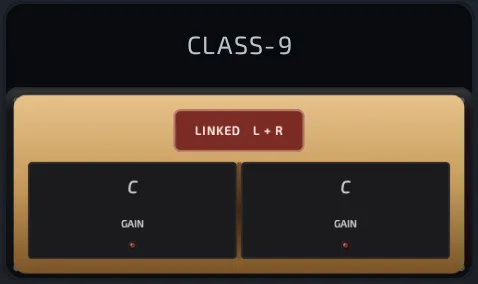 CLASS-9 CLASS-9 | PREMIUM | Class-A transformer preamp EQ, two linkable channels. (Vintage EQs) |
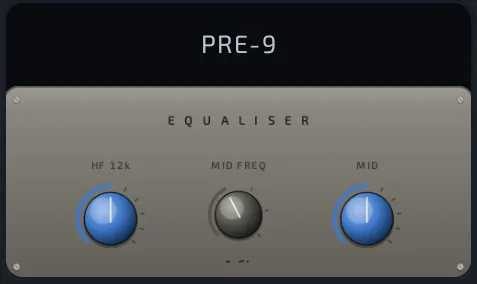 PRE-9 PRE-9 | PREMIUM | Punchy console-style preamp EQ with drive. (Vintage EQs) |
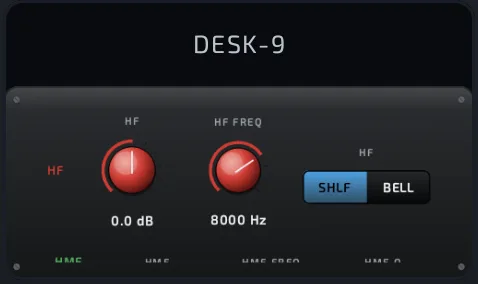 DESK-9 DESK-9 | PREMIUM | Big-console 4-band channel EQ. (Vintage EQs) |
LIMIT
| Effect | Description | |
|---|---|---|
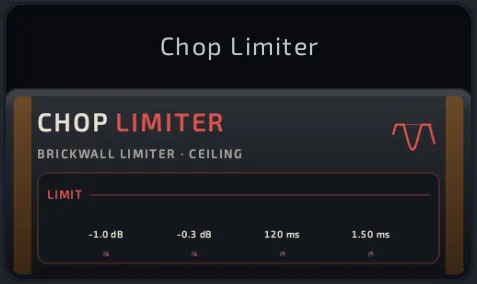 Chop Limiter Chop Limiter | FREE | Simple limiter for loudness. |
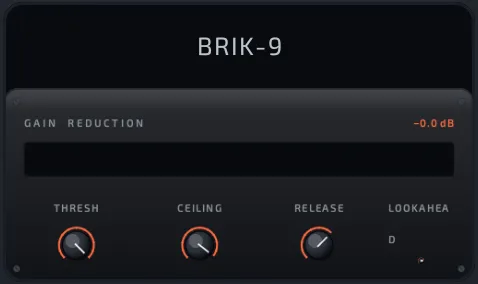 BRIK-9 BRIK-9 | PREMIUM | Transparent brick-wall limiter for loud, safe masters. |
SAT
| Effect | Description | |
|---|---|---|
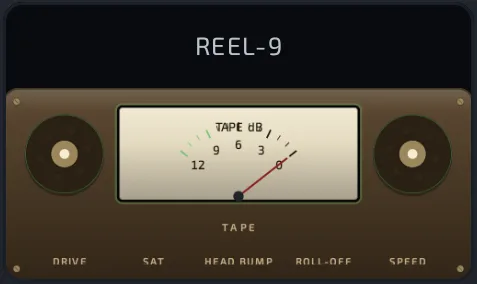 REEL-9 REEL-9 | PREMIUM | Reel-to-reel tape warmth: saturation, head bump, wow and flutter. |
LOFI
| Effect | Description | |
|---|---|---|
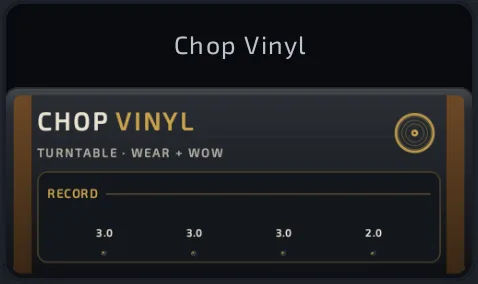 Chop Vinyl Chop Vinyl | FREE | Simple record character: hiss, crackle, age and warble. |
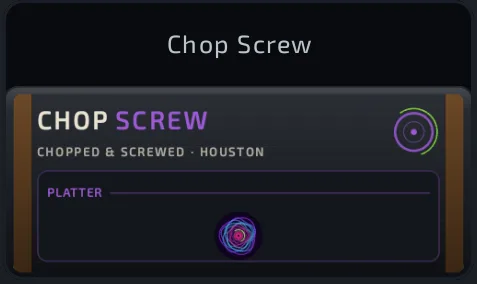 Chop Screw Chop Screw | FREE | Instant "chopped and screwed": pitch down, muffle and rhythmic chop. |
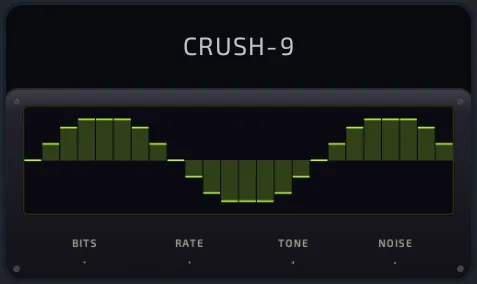 CRUSH-9 CRUSH-9 | PREMIUM | Bit and sample-rate crushing for vintage-sampler grit. (Lo-Fi Pack) |
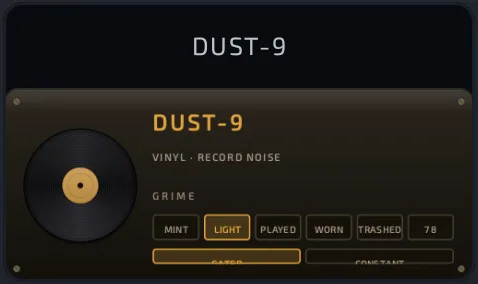 DUST-9 DUST-9 | PREMIUM | Vinyl wear with crackle, hiss, pops and rumble. (Lo-Fi Pack) |
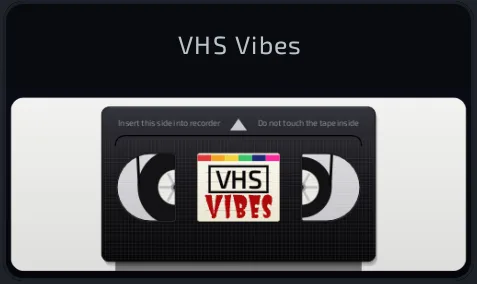 VHS Vibes VHS Vibes | PREMIUM | Worn videotape warble, dropouts and glitches, with live triggers. |
VERB (reverb)
| Effect | Description | |
|---|---|---|
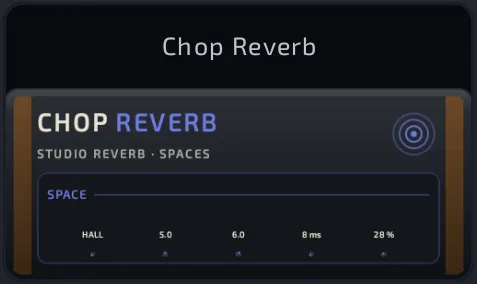 Chop Reverb Chop Reverb | FREE | Everyday reverb with HALL, AMBIENCE, CHAMBER, PLATE, ROOM and SPACE programs. |
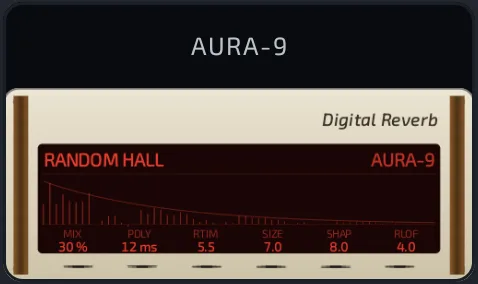 AURA-9 AURA-9 | PREMIUM | Lush modulated hall in the spirit of classic high-end studio reverbs. (Reverb Pack) |
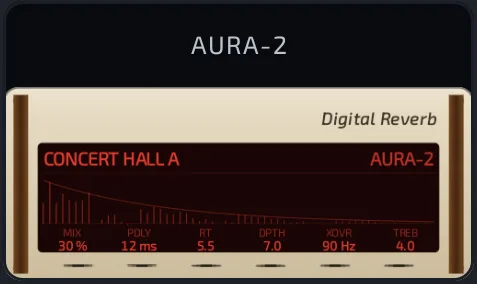 AURA-2 AURA-2 | PREMIUM | The same lush hall in a wood-and-cream design. (Reverb Pack) |
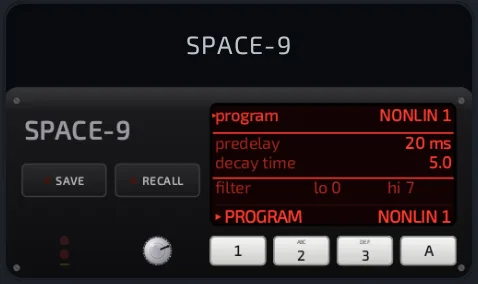 SPACE-9 SPACE-9 | PREMIUM | 80s digital reverb with gated and reverse programs. (Reverb Pack) |
DELAY
| Effect | Description | |
|---|---|---|
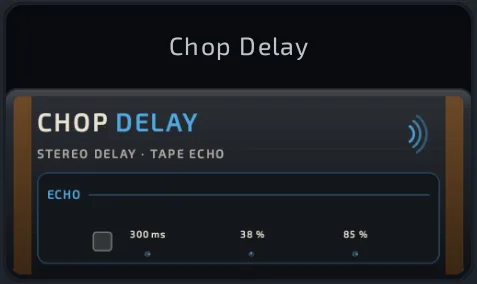 Chop Delay Chop Delay | FREE | Delay with a built-in plate reverb and tempo sync. |
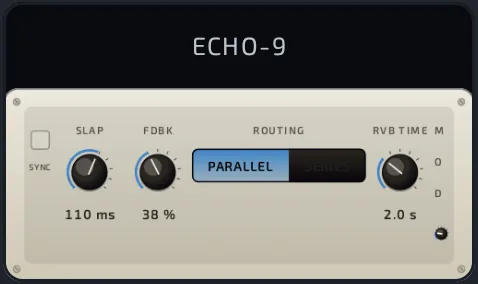 ECHO-9 ECHO-9 | PREMIUM | Vintage slapback echo into a plate reverb, with tempo sync. |
CHORUS
| Effect | Description | |
|---|---|---|
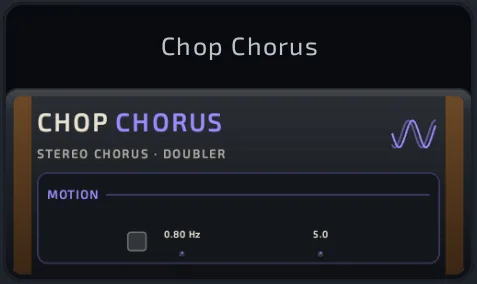 Chop Chorus Chop Chorus | FREE | Stereo chorus. |
MODULATION
| Effect | Description | |
|---|---|---|
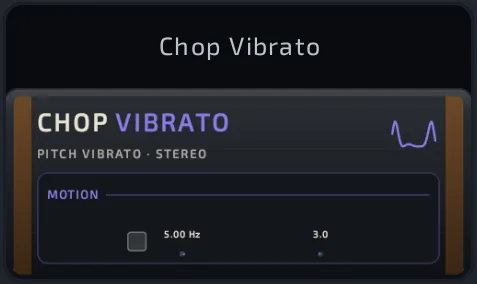 Chop Vibrato Chop Vibrato | FREE | Pitch vibrato. |
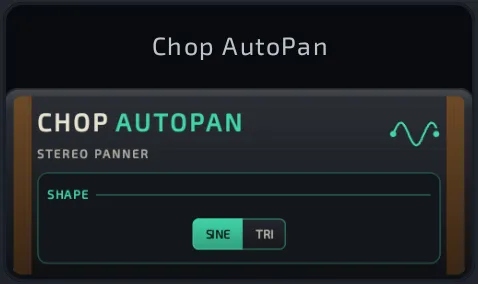 Chop AutoPan Chop AutoPan | FREE | Automatic left-right panning. |
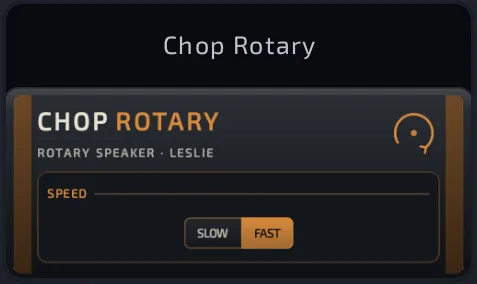 Chop Rotary Chop Rotary | FREE | Rotating-speaker swirl with slow and fast speeds. |
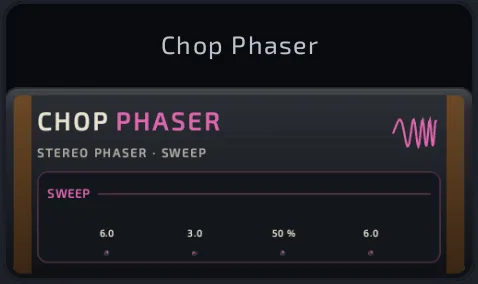 Chop Phaser Chop Phaser | FREE | Stereo phaser, the classic electric-piano swoosh. |
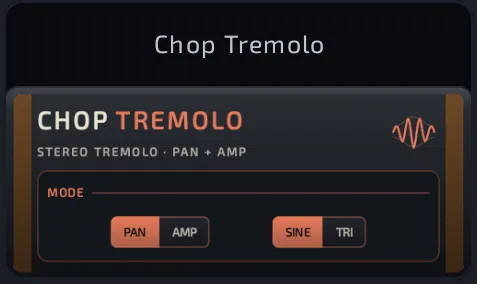 Chop Tremolo Chop Tremolo | FREE | Volume or stereo-pan tremolo. |
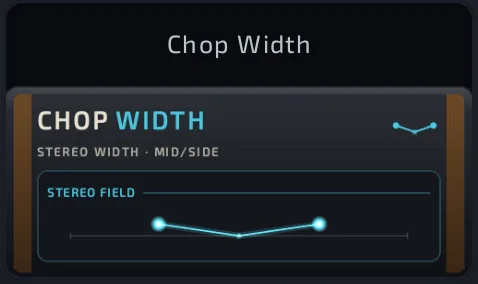 Chop Width Chop Width | FREE | One-knob stereo widener, from mono to ultra wide. |
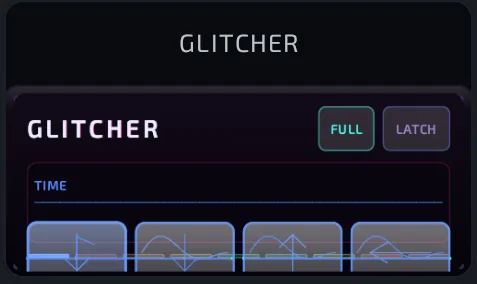 GLITCHER GLITCHER | PREMIUM | Beat-synced glitch performance pads. |
AMP
| Effect | Description | |
|---|---|---|
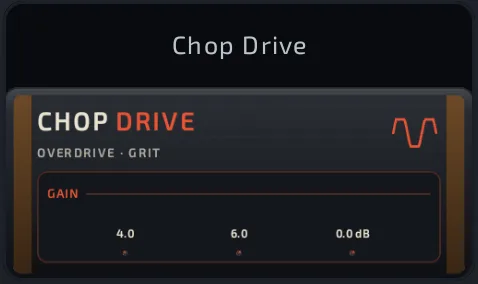 Chop Drive Chop Drive | FREE | Simple overdrive. |
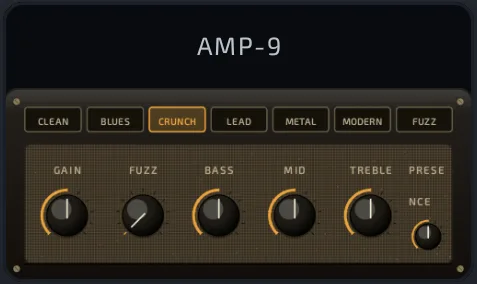 AMP-9 AMP-9 | PREMIUM | Guitar amp with cabinet. (Amp Pack) |
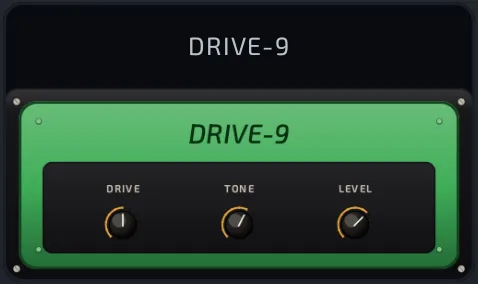 DRIVE-9 DRIVE-9 | PREMIUM | Classic overdrive pedal. (Amp Pack) |
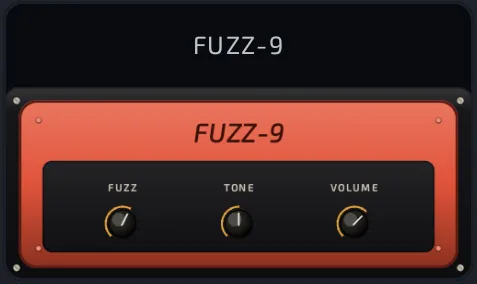 FUZZ-9 FUZZ-9 | PREMIUM | Vintage fuzz pedal. (Amp Pack) |
FILTER
| Effect | Description | |
|---|---|---|
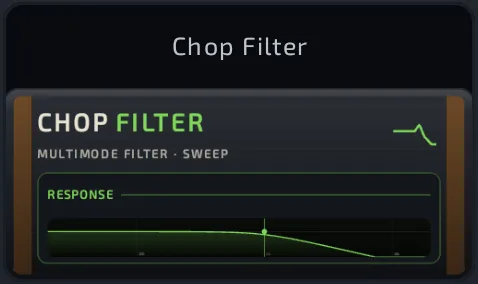 Chop Filter Chop Filter | FREE | Resonant low-pass, high-pass, band-pass or notch filter with a tempo-syncable sweep. |
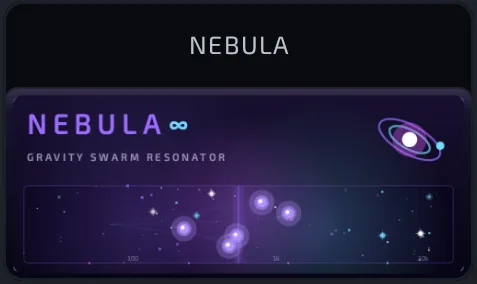 NEBULA NEBULA | PREMIUM | A moving swarm of resonant filters for evolving sweeps. |
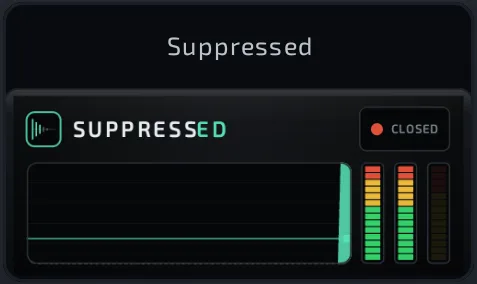 Suppressed Suppressed | PREMIUM | Zero-latency noise gate that removes hum, hiss and noise between hits. |
METER
Meters show information and never change the sound.
| Effect | Description | |
|---|---|---|
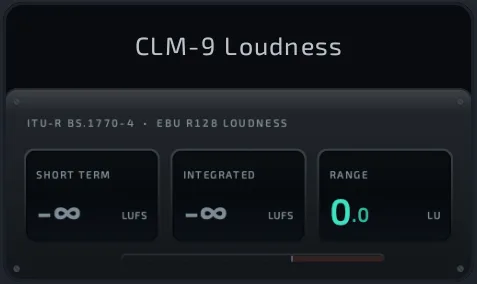 CLM-9 Loudness CLM-9 Loudness | PREMIUM | Loudness (LUFS) and true-peak meter. (Meter Pack) |
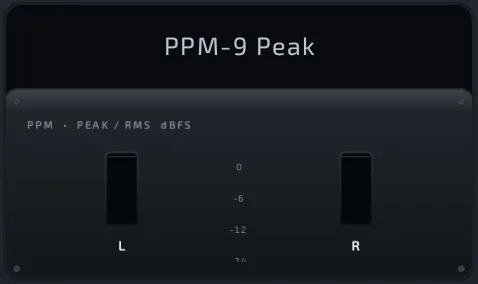 PPM-9 Peak PPM-9 Peak | PREMIUM | Peak and RMS meter. (Meter Pack) |
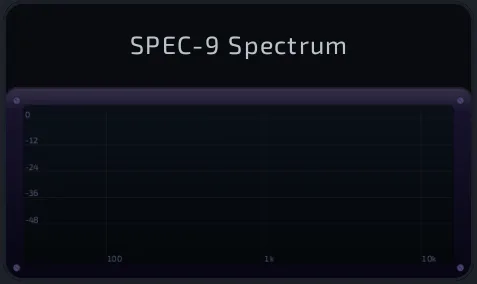 SPEC-9 Spectrum SPEC-9 Spectrum | PREMIUM | Spectrum analyzer. (Meter Pack) |
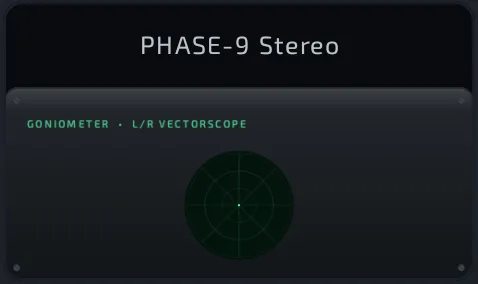 PHASE-9 Stereo PHASE-9 Stereo | PREMIUM | Stereo and phase scope. (Meter Pack) |
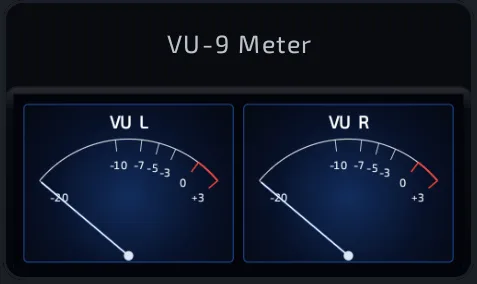 VU-9 Meter VU-9 Meter | PREMIUM | Classic VU meter. (Meter Pack) |
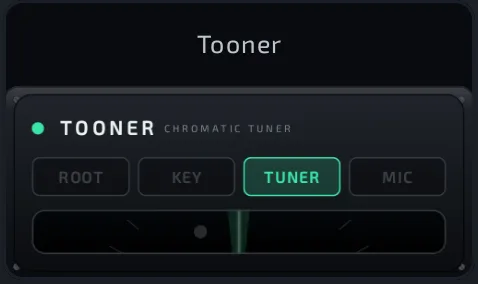 Tooner Tooner | PREMIUM | Chromatic tuner that also finds a sample's root note or key. |
Using Tooner
- Add Tooner to a pad's effect slot.
- Choose a mode:
- ROOT: finds the loaded sample's root note.
- KEY: finds the sample's key.
- TUNER: tunes the pad's audio live as it plays.
- MIC: tunes from the microphone (asks for permission).
- Adjust A (reference pitch, 415 to 466 Hz), ♯/♭, and TOL (how close counts as in tune).
ROOT and KEY work in a pad's effect slot only.
Tips
- Effects cost DSP. If the DSP number climbs, flatten the pad with its effects into a new sample.
- Put one reverb on a bus and route several pads to it instead of a reverb on every pad.
- In a slot, free effects show without the "Chop" prefix (for example "Reverb").
- A slot shown red with (locked) holds a premium effect you don't own (once purchases are live); tap it to see its card.