 Chop Sampler
User Guide / Looper
Looper
The  LOOP tab is a live looper locked to your tempo. Record loops from the microphone onto pads and stack them into layers.
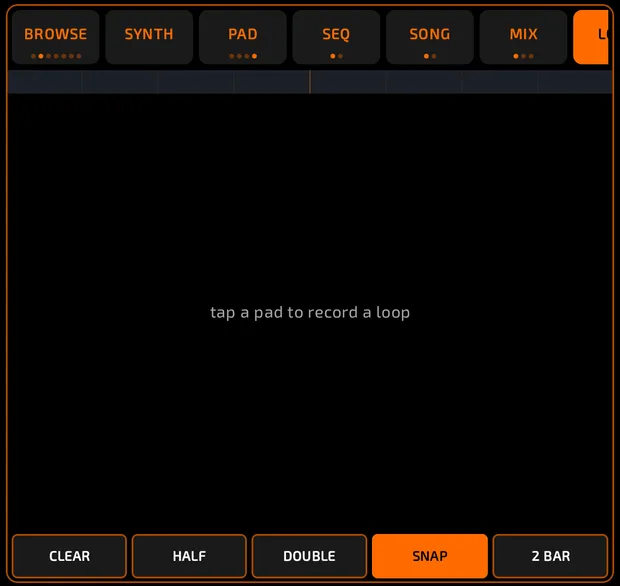
LOOP tab with three loop lanes (waveforms, M / S buttons), the ruler and playhead, the CLEAR / HALF / DOUBLE / SNAP / 2 BAR row, the looper middle panel showing MIC on, and pads below tinted with lane colors.
looper-main.mp4
How it works
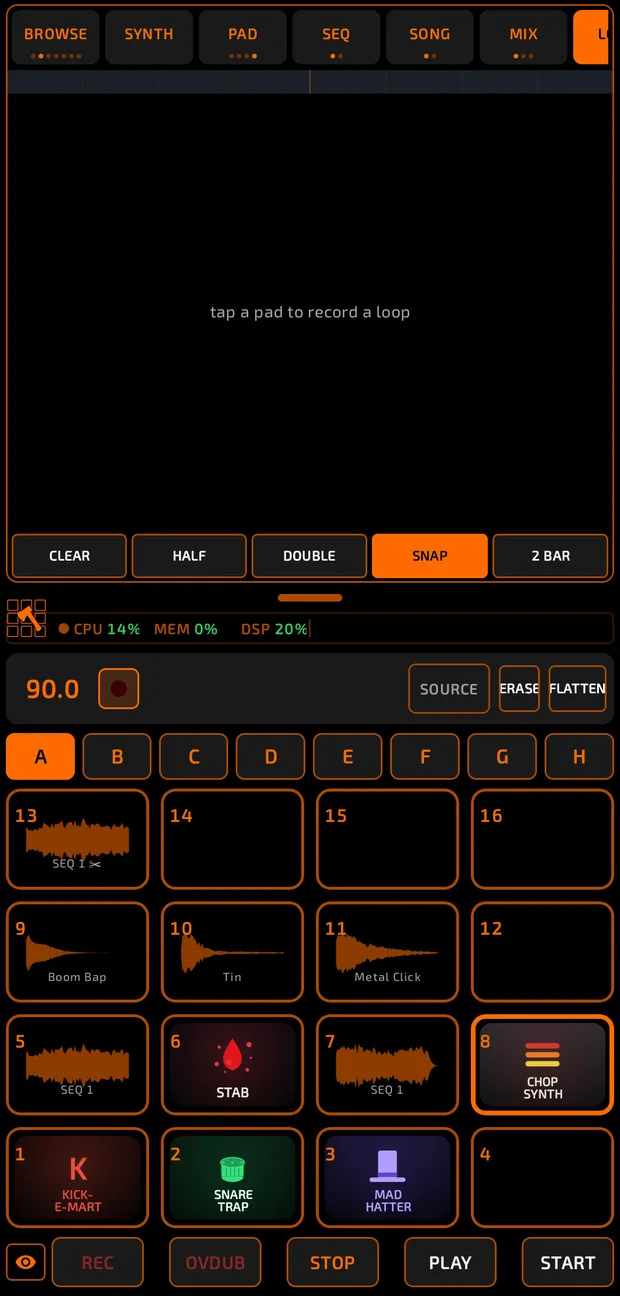
- Each loop lives on its own pad.
- Loops play together, in time with the main tempo.
- Loops are recorded in 4/4: length = bars x 4 beats at the current BPM.
- The transport PLAY and STOP buttons control the looper too.
How to record a loop

- Open LOOP.
- Tap SOURCE so it shows MIC ●. (Tapping a pad before this does nothing but make SOURCE pulse.)
- Set the BPM. Turn on the metronome if you want a click.
- Set the loop length with the 2 BAR chip: tap to cycle 1, 2, 4 and 8 bars. HALF and DOUBLE also change it (1 to 16 bars).
- Tap a pad. It pulses (armed). If the transport is stopped, it starts.
- Recording begins at the start of the next loop and lasts exactly one loop (the pad turns red).
- When it's done, the loop is set to full volume, named LOOP 1 (then LOOP 2...) and starts playing.
- Tap other pads to add more layers.
The microphone isn't played through the speakers while you record, so you only hear your loops.
Lanes
Each loop has a lane with its waveform:
- M mutes it, S solos it.
- Drag sideways across the lane to set its volume.
- Tap a lane to select that loop.
Redo, erase and clear
- Tap a pad that already has a loop to record it again. The new take replaces the old one (there's no overdub onto the same loop).
- Recording onto a pad that holds a normal sample replaces that sample.
- ERASE: while it's lit, tap a pad or lane to delete that loop.
- CLEAR: deletes all loops (asks first). This can't be undone.
The looper has no undo of its own.
Flatten loops
Turn loops into normal samples you can edit, chop and sequence.
- Tap FLATTEN.
- Choose EFFECTS: WITH FX or DRY (the loop pad's own effects).
- Tap SELECTED (the selected loop) or ALL.
Each loop is copied to the first empty pad.
Leaving the LOOP tab
Leaving the tab silences the loops, stops the transport if the looper started it, and turns the mic off. Your loops stay on their pads.
Tips
- Loops share sample memory with everything else. If you see "Looper memory full", flatten or clear some loops.
- Very long loops (many bars at a slow tempo) may be too long to capture.
- SNAP is on the screen but doesn't change anything yet.