 Chop Sampler
User Guide / Settings
Settings

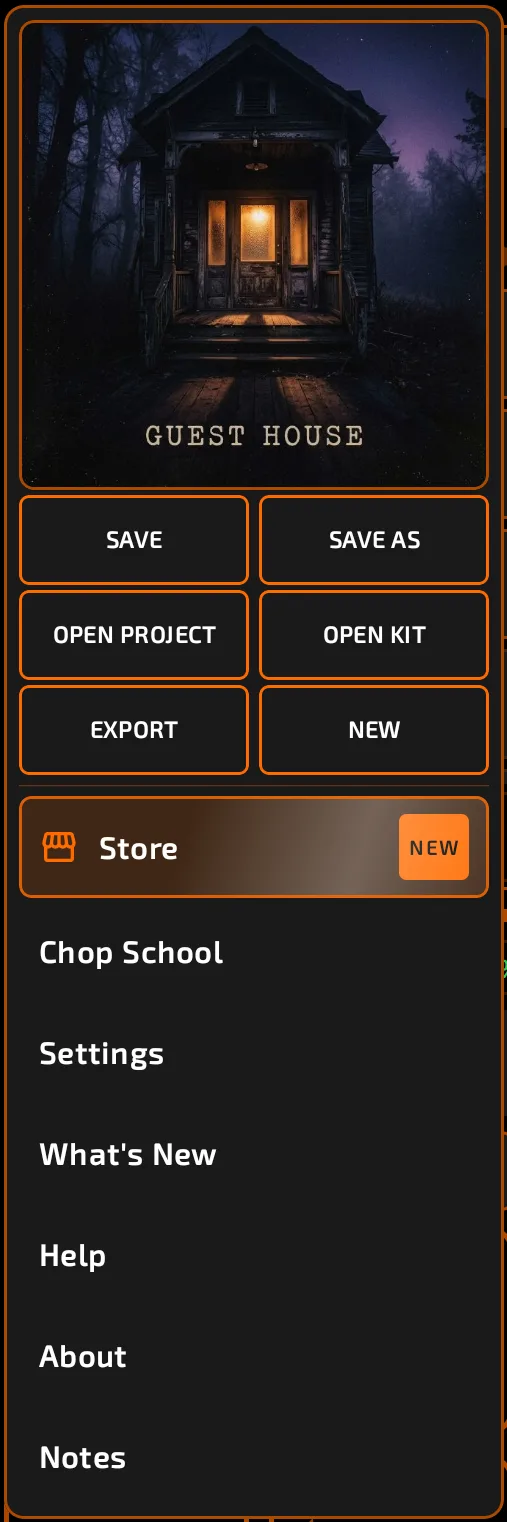
Open Settings from the Chop menu (tap the Chop logo at the left of the status bar). Close it with the X at the top.
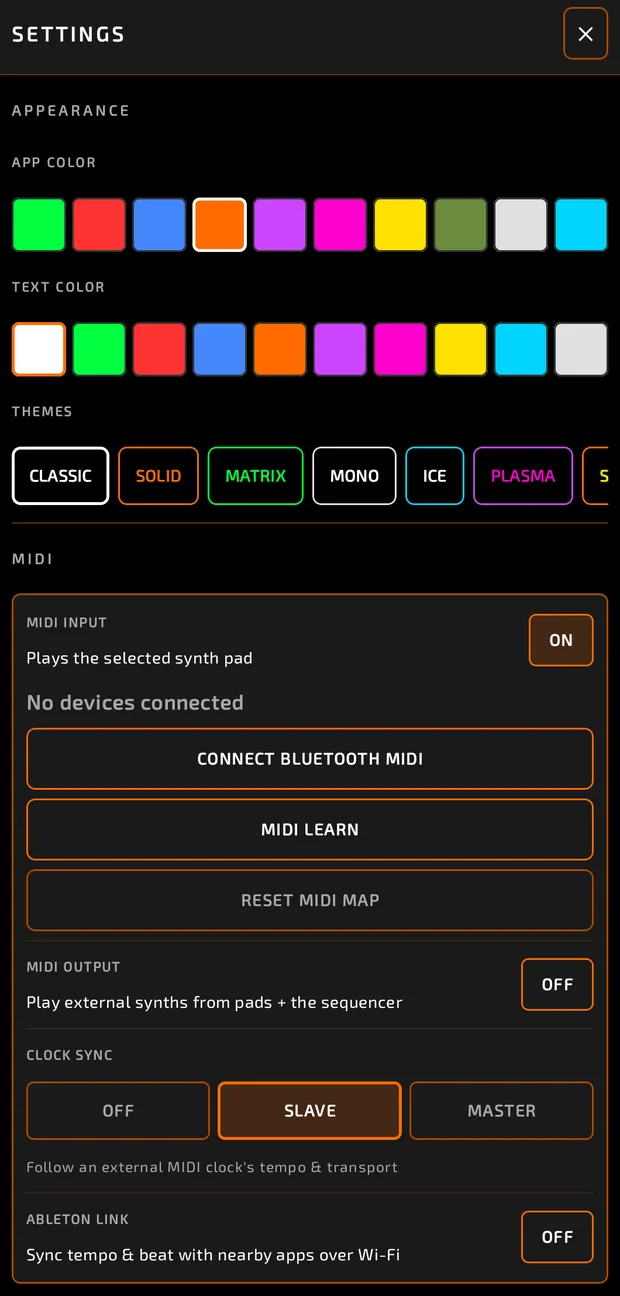
APPEARANCE
- APP COLOR: the accent color used across Chop.
- TEXT COLOR: the color of text (white by default).
- THEMES: one tap sets both: CLASSIC, SOLID, MATRIX, MONO, ICE, PLASMA, SUNBURST, RUBY.
MIDI
| Setting | What it does |
|---|---|
| MIDI INPUT | Turns controller input on (default on). Lists connected devices. |
| CONNECT BLUETOOTH MIDI | Pairs a Bluetooth MIDI controller. |
| MIDI LEARN | Starts mapping controls and pads to your controller. |
| RESET MIDI MAP | Clears all mappings (tap twice). |
| MIDI OUTPUT | Sends pads and the sequencer to external instruments, with OUT CHANNEL and DRUM CHANNEL. |
| CLOCK SYNC | OFF, SLAVE (follow external clock) or MASTER (send clock). |
| ABLETON LINK | Sync with nearby apps over Wi-Fi, with START/STOP SYNC. |
See MIDI for details.
AUDIO DEVICE
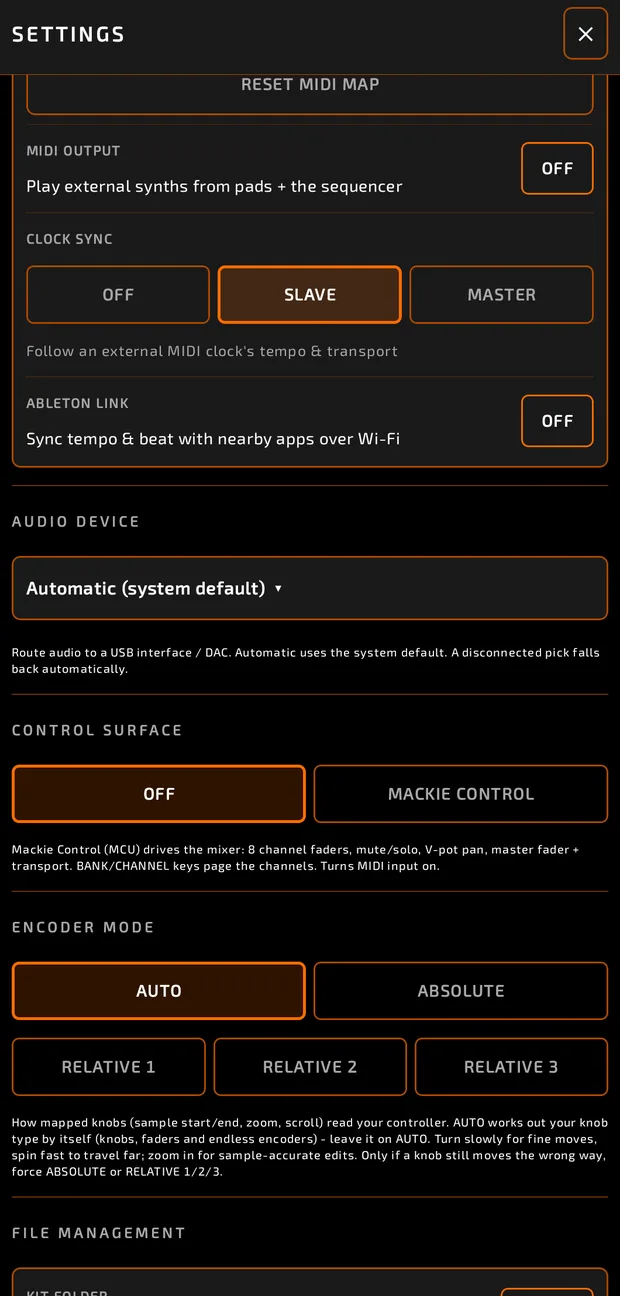
Choose where sound goes: Automatic (system default) or a connected USB interface or DAC. If the chosen device is unplugged, Chop falls back to the default automatically.
CONTROL SURFACE
OFF or MACKIE CONTROL. See MIDI.
ENCODER MODE
AUTO (recommended), ABSOLUTE, RELATIVE 1, RELATIVE 2, RELATIVE 3. See MIDI.
FILE MANAGEMENT
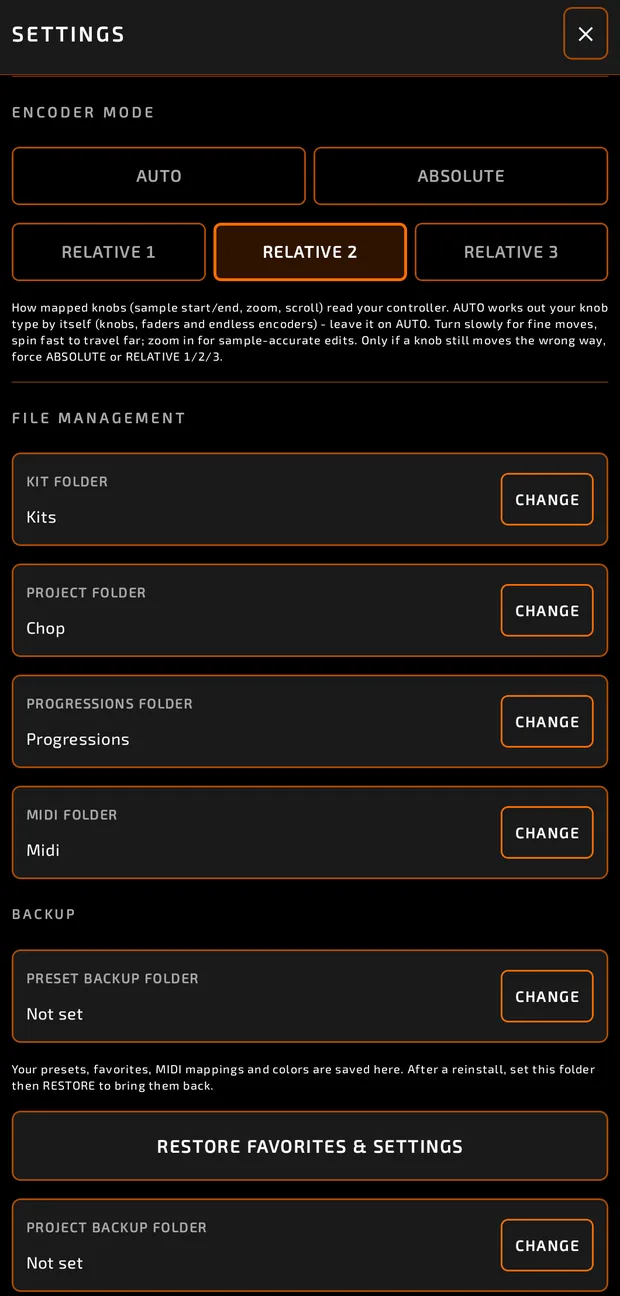
Each folder shows its name (or Not set) and a CHANGE button.
| Folder | Used for |
|---|---|
| KIT FOLDER | Where kits are saved and listed. |
| PROJECT FOLDER | Where projects are saved and listed. |
| PROGRESSIONS FOLDER | Your own chord progression files (.json). See Pad Modes. |
| MIDI FOLDER | MIDI files shown in BROWSE > MIDI. |
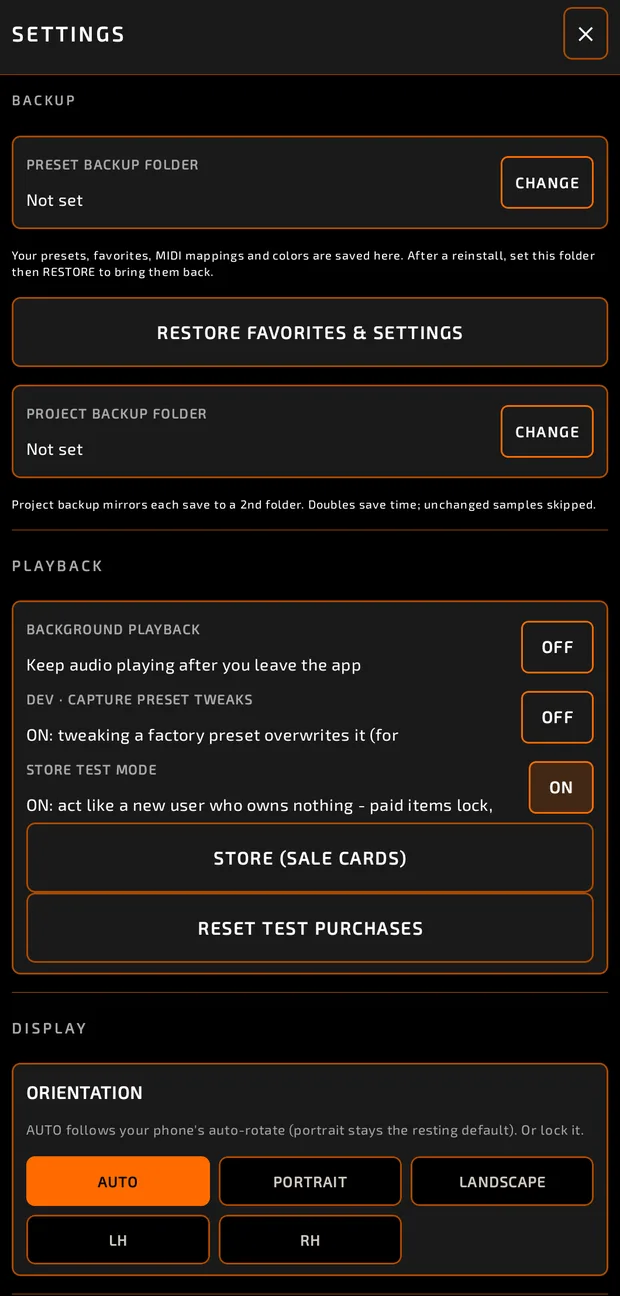
BACKUP:
- PRESET BACKUP FOLDER: backs up presets, favorites, MIDI mappings and colors.
- RESTORE FAVORITES & SETTINGS: brings them back after a reinstall.
- PROJECT BACKUP FOLDER: copies every project save to a second folder.
PLAYBACK
- BACKGROUND PLAYBACK: keep audio playing after you leave the app.
DISPLAY
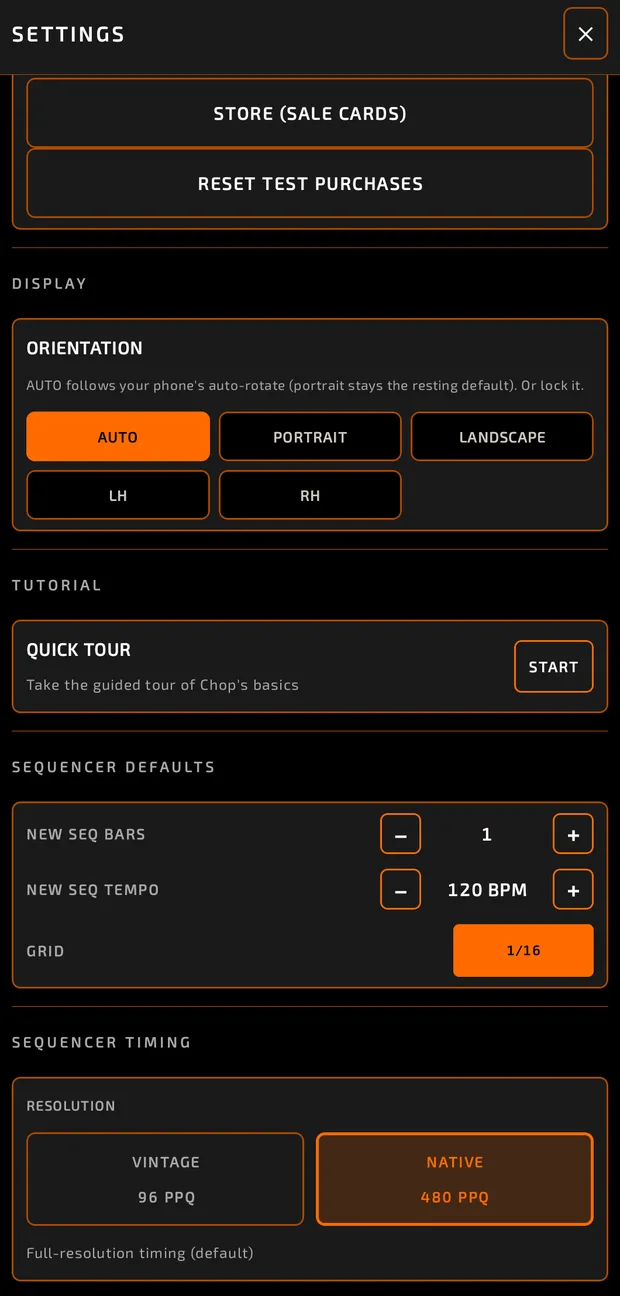
ORIENTATION:
- AUTO: follows your phone's auto-rotate.
- PORTRAIT: always portrait.
- LANDSCAPE: always landscape, flipping either way.
- LH / RH: fixed landscape for a left- or right-hand grip, with no flipping.
TUTORIAL
QUICK TOUR > START runs a short guided tour of Chop's basics. See Chop School.
SEQUENCER DEFAULTS
- NEW SEQ BARS: length of new sequences (1 to 32 bars).
- NEW SEQ TEMPO: tempo of new sequences (20 to 300 BPM).
- GRID: the default SNAP grid (applies right away).
After changing bars or tempo, tap SET DEFAULTS and confirm. Empty sequences are resized; sequences with notes and existing tempos are left alone.
SEQUENCER TIMING
RESOLUTION (only matters when SNAP is off):
- NATIVE 480 PPQ: full-resolution timing (default).
- VINTAGE 96 PPQ: a coarser, classic drum-machine timing grid.
Not in Settings
The whole Settings list
- Your phone's audio path and latency are shown in About (Chop menu > About > AUDIO).