 Chop Sampler
User Guide / Store
Store
Chop's core is free. Premium synths, effects and stem separation will be available as one-time purchases in the Store.
Purchases are not open yet. During testing, every synth and effect is already unlocked. Tapping a buy button tells you purchases open soon.
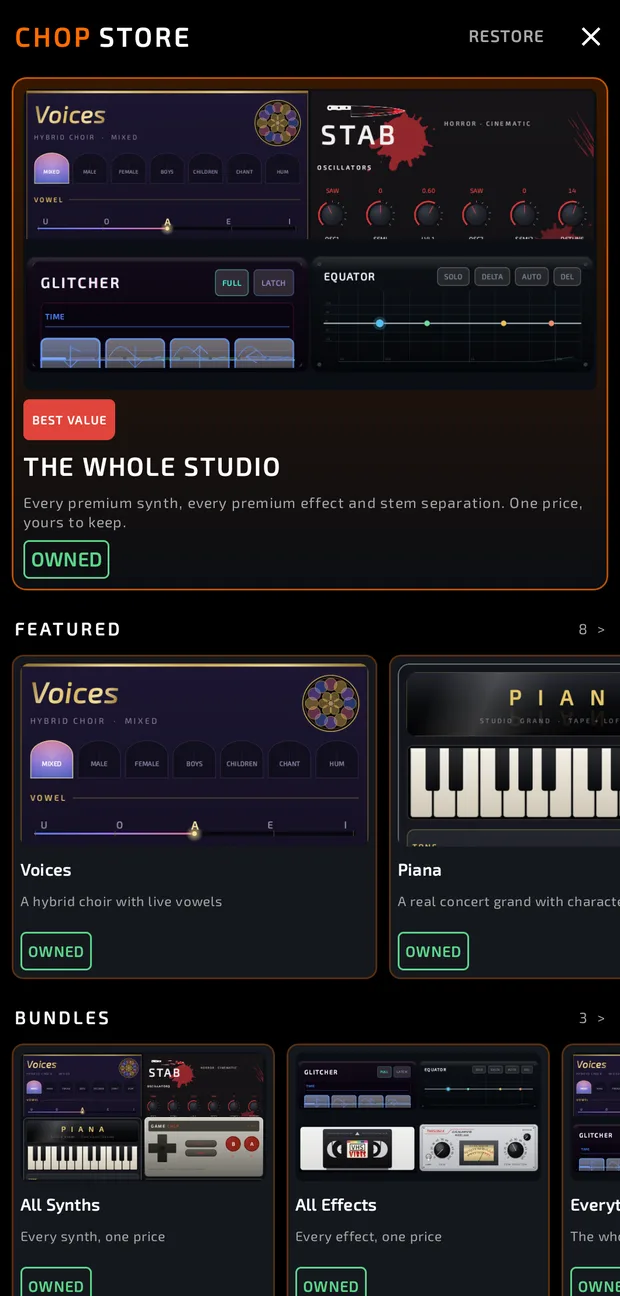
What's free
Everything you need to make music is free, with no limits on core features:
- All 8 banks, 128 pads, 8 effect slots per pad, sampling, chopping, the sequencer, song mode, looper, mixer and export.
- Synths: ChopSynth, Electric-P, Kick-E-Mart, Snare Trap, Mad Hatter.
- Effects: all 16 "Chop" effects: Comp, EQ, Limiter, Reverb, Delay, Chorus, Vibrato, AutoPan, Rotary, Phaser, Tremolo, Width, Drive, Vinyl, Screw and Filter.
What's premium
- Synths, some in packs. See Synths.
- Effects, some in packs. See Effects.
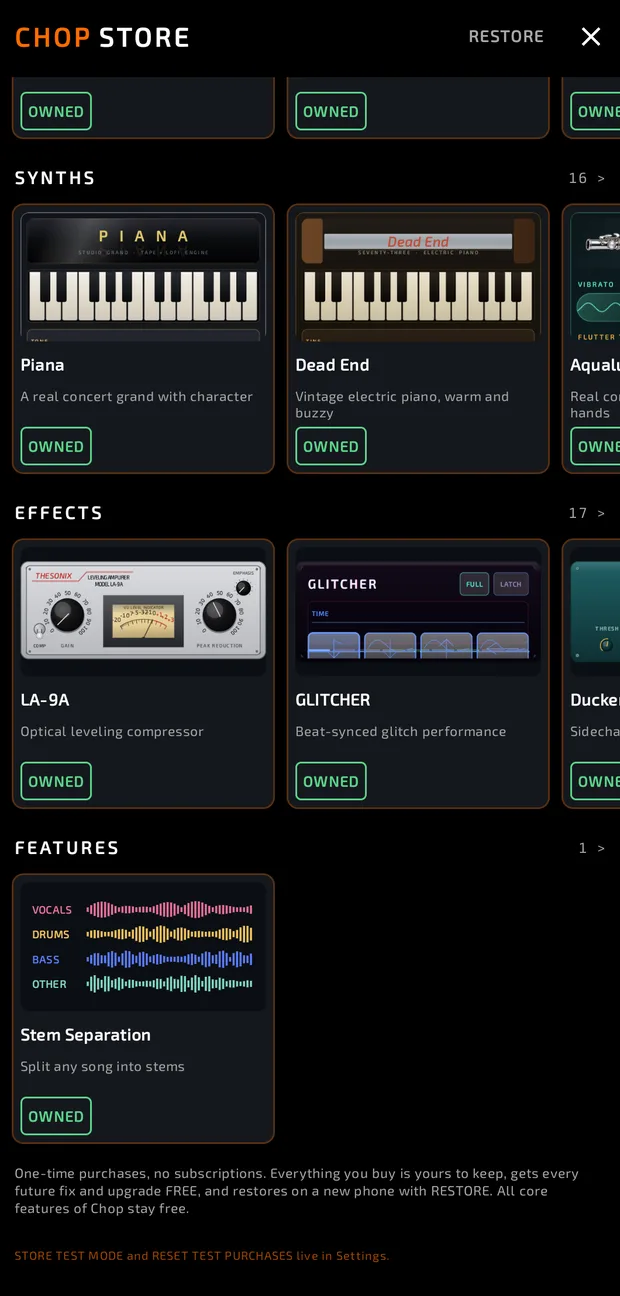
- Stem Separation: split any sample into drums, bass, vocals and instruments, on your phone.
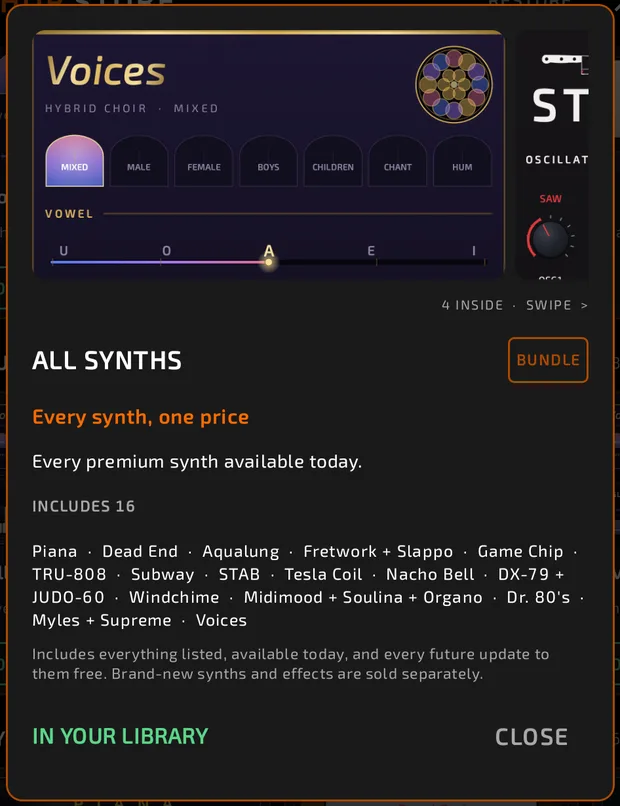
- Bundles: All Synths, All Effects and Everything (every premium synth, effect and stem separation).
Opening the Store
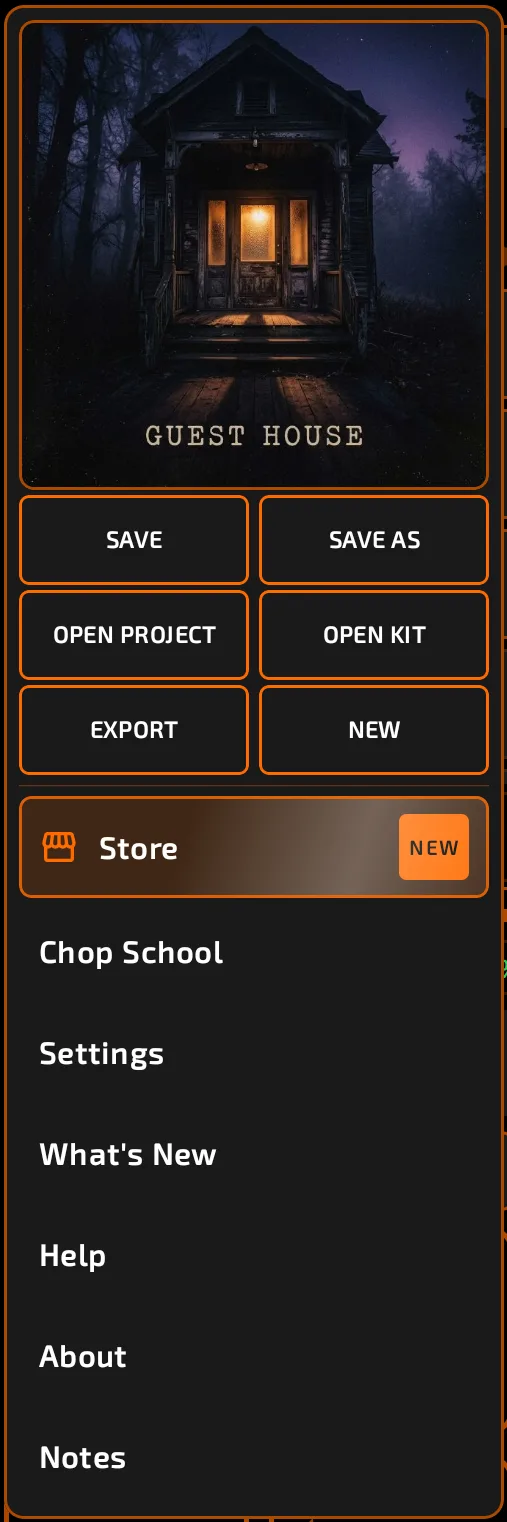
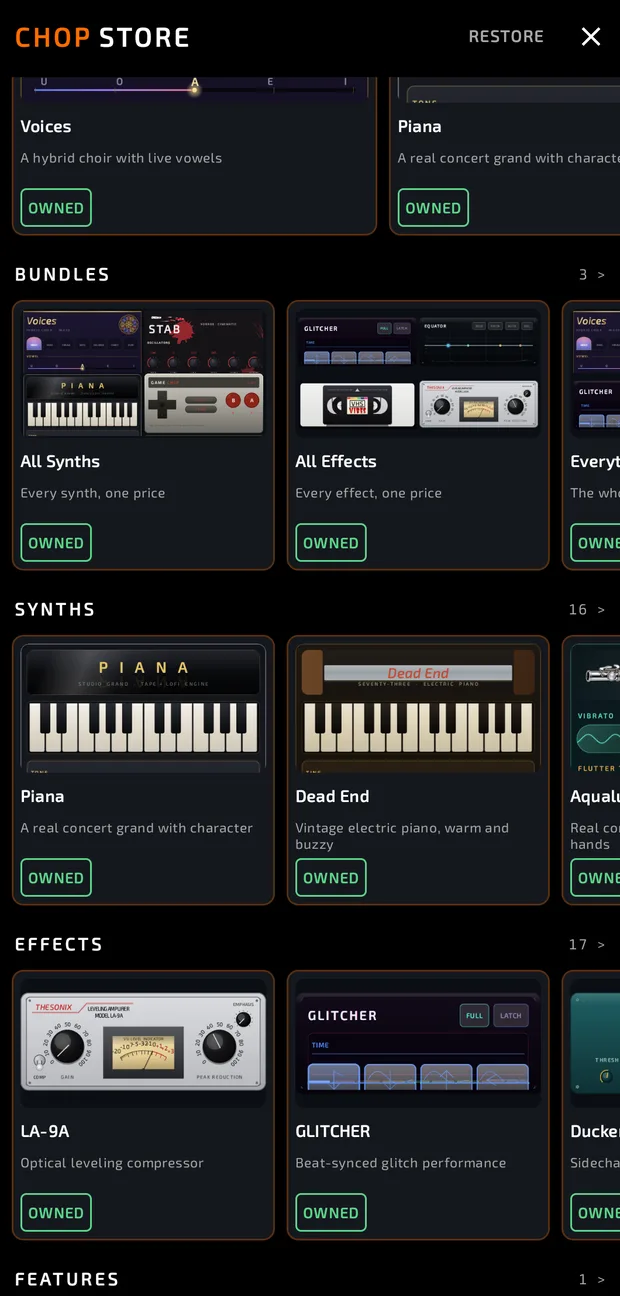
Chop menu > Store. Browse the rows (FEATURED, BUNDLES, SYNTHS, EFFECTS, FEATURES) and tap any card to see its sale card.
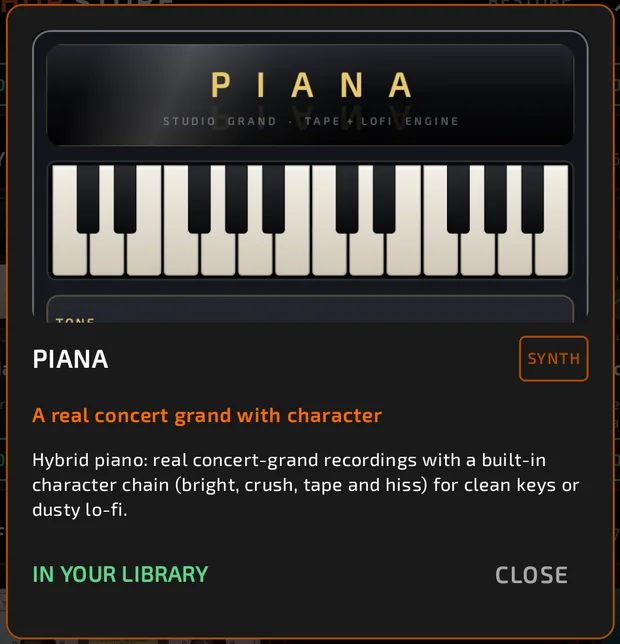
A sale card shows big pictures of the item (swipe for packs), what it is, what's included, and the price.
How purchases work (once open)
- One-time purchases. No subscriptions.
- Yours to keep. Everything you buy stays yours.
- Free updates. Every future fix and upgrade to what you bought is free. Brand-new synths and effects are sold separately.
- Bundles include everything listed and available on the day you buy.
- RESTORE (top of the Store) brings back your purchases on a new phone.
Locked items
Around the Store
Once purchases are open, premium items you don't own will:
- Show a red lock and price in the synth and effect pickers. Tapping one opens its sale card.
- Play silently (synth pads) or be bypassed (effects) if they're already in a project you open. Nothing is removed: buy them to hear them.
When sharing projects with someone who doesn't own the same items, flatten your sequences or export stems first.