 Chop Sampler
User Guide / Mixer
Mixer
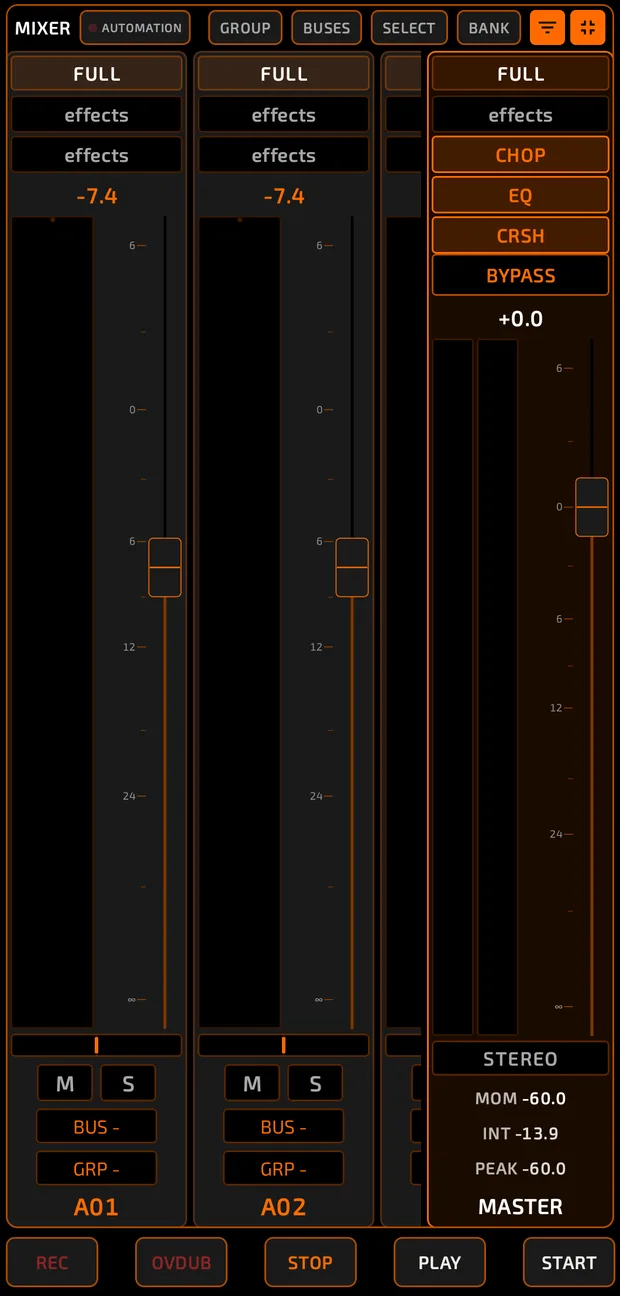
The  MIX tab balances your pads, sends them to effect buses and shapes the final mix on the master channel.
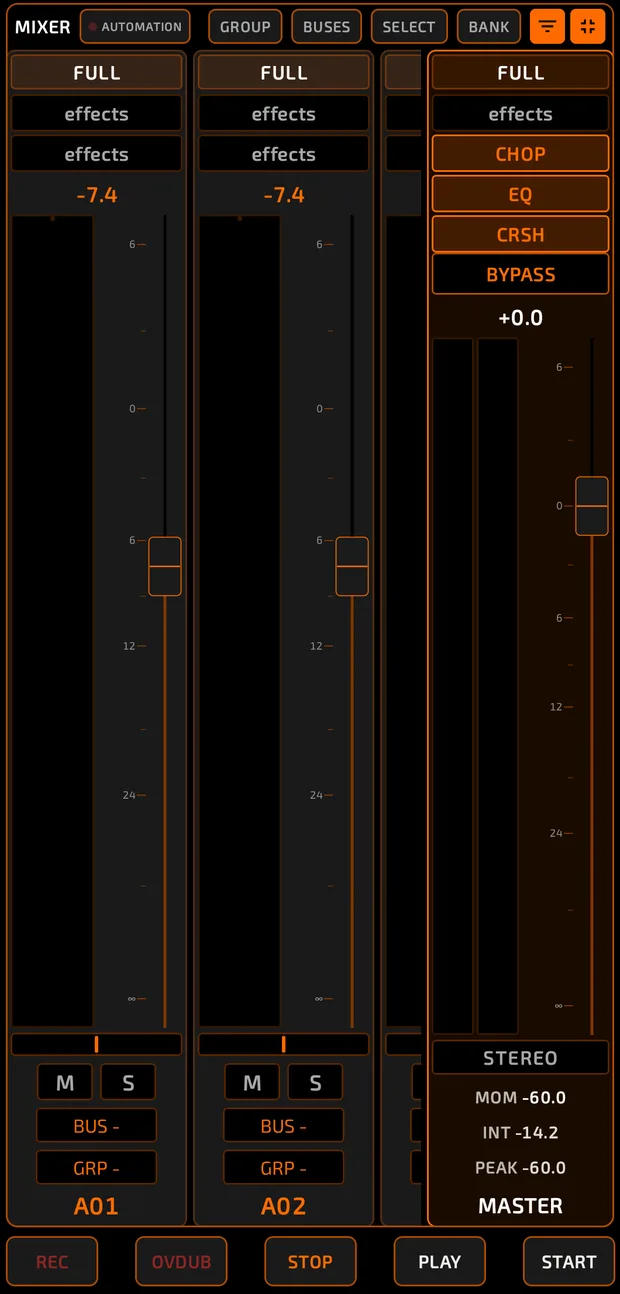
MIX tab in BIG view: several pad channel strips with FULL bar, effect chips, dB readout, meters, faders, pan, M / S, BUS and GRP buttons, and the MASTER strip pinned on the right.
mixer-main.mp4
Views
Tap MIX again to cycle three sizes:
The three mixer sizes
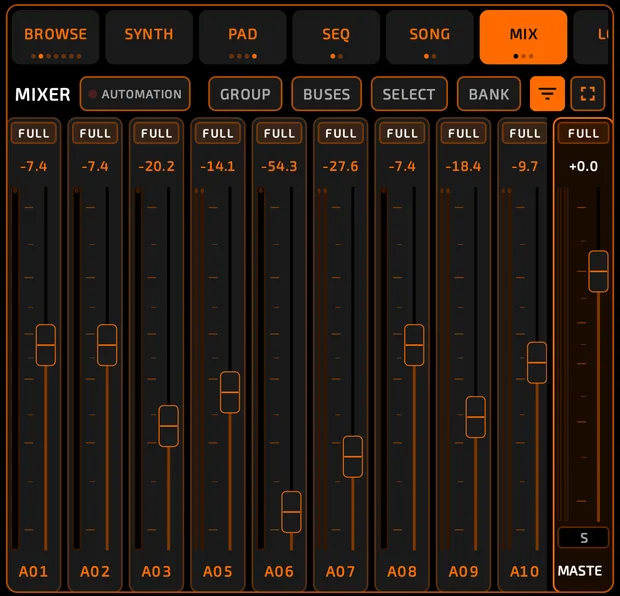
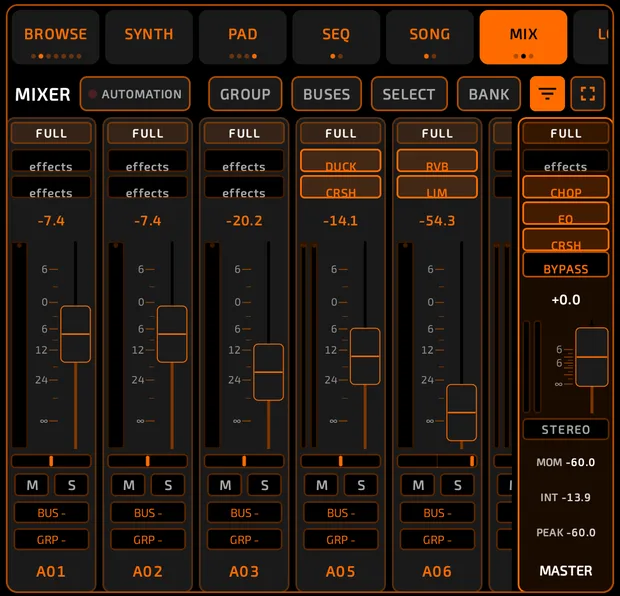
- SLIM: just faders and names, so you see lots of channels.
- BIG: the full channel strip (default).
 FULL: a full-screen mixer with bigger controls. The transport stays visible.
The top row has:  AUTOMATION (arm automation recording),
  GROUP,
  BUSES / CHANNELS,
  SELECT,
  BANK, a filter icon and the full-screen icon.
- By default you see all 128 pads. BANK shows only the current bank's 16 pads.
- The filter icon
 hides empty pads.
 - Swipe sideways to scroll. The MASTER strip stays pinned on the right.
Channel strips

Each pad has a channel strip. Its settings are the same ones you see on the PAD tab.
From top to bottom:
- FULL: opens the channel's full-screen page.
- Effect slots: 8 per channel (2 show at a time; scroll for more). Tap one to add or open an effect.
- dB readout and the meter. Stereo pads show two meters (left and right).
- Fader: up to +6 dB. Double-tap to reset to 0 dB. Only up-and-down drags move it, so sideways swipes scroll the mixer.
- Pan (portrait only): double-tap to center.
 M (mute) and
  S (solo). The middle strip's
  M switches what tapping a pad does.
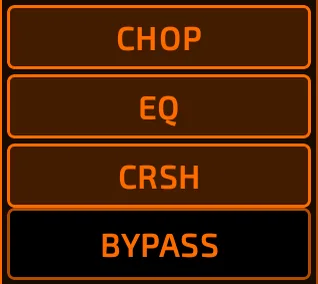
- Effect chips show what is loaded at a glance:
 BUS: send the pad to BUS 1 to BUS 8, or NONE (direct) to the master.
 GRP: fader group (see below).
- The pad label (for example A01): tap to select the channel.
Meters and clipping
Meters show the level after the pad's effects and fader. A tiny light at the top of each meter flashes red for about a second when the signal clips (hits 0 dB or more).
Buses
Buses let several pads share effects, like one reverb for all your drums.
How to set up a bus
- Route pads to a bus with their BUS button (or the BUS chip on the PAD tab).
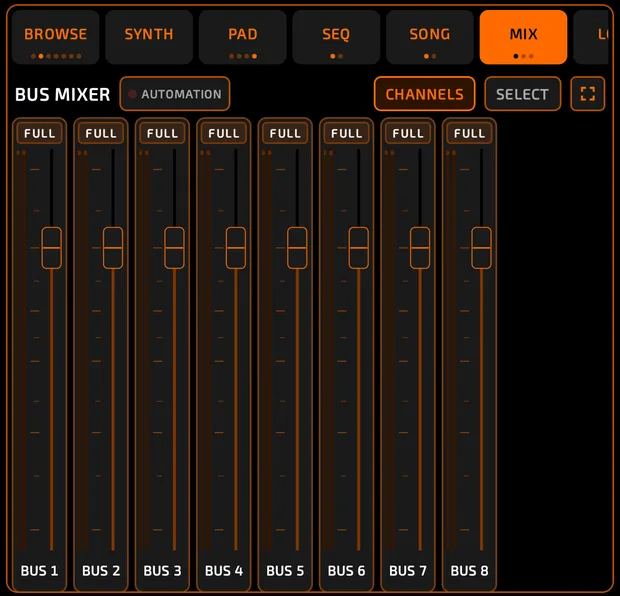
- Tap BUSES to see the BUS MIXER.
- Add effects to the bus's slots and set its fader.
- Tap CHANNELS to go back.
There are 8 buses. Each has 8 effect slots, stereo meters with a clip light, a fader and a FULL page.
Master

The MASTER strip controls the whole mix:
- 8 master effect slots and a BYPASS bar that switches them all off.
- Stereo meters and the master fader.
- STEREO / MONO: check how your mix sounds in mono.
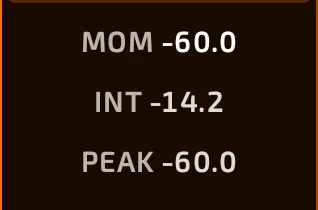
- Loudness readouts: MOM (momentary loudness, LUFS), INT (integrated loudness; tap to reset) and PEAK (true peak; turns red above 0 dB).
Full-screen pages
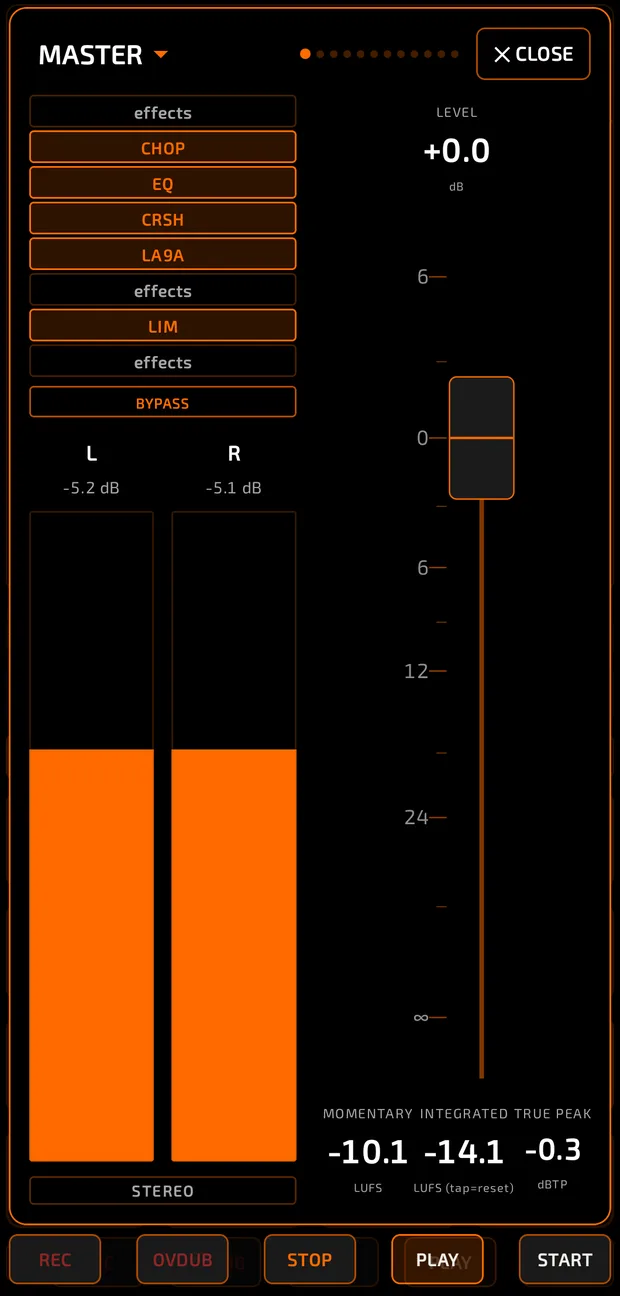
Tap  FULL on any strip to open a big page for it. Come back with
  or ✕ CLOSE. Swipe left and right to move between the master and each used channel, or pick one from the title menu. Close with ✕ CLOSE.
- A channel page has all 8 effect slots plus BYPASS, big meters, PAN, LEVEL with a giant fader, mute, solo and BUS.
- The master page adds the loudness readouts MOMENTARY, INTEGRATED and TRUE PEAK.
Moving faders together
There are three ways:
- Quick selection: tap the pad labels under several channels (or tap SELECT to pick every channel shown). Dragging any selected fader moves them all by the same amount.
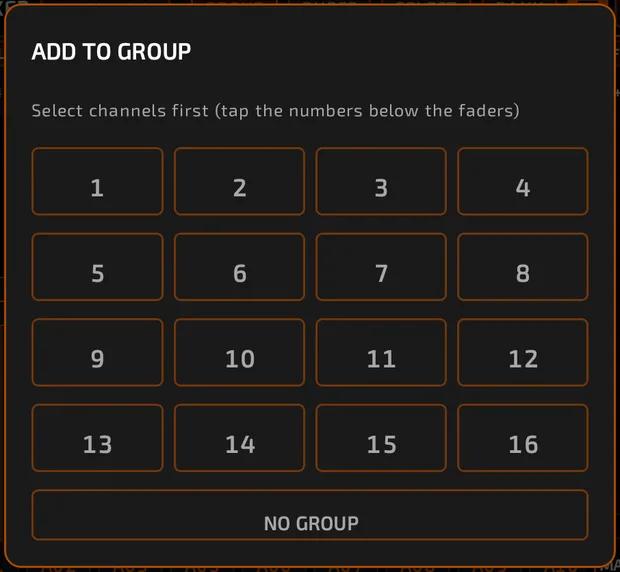
- Fader groups: put channels in GROUP 1 to GROUP 16 with each strip's GRP button, or select channels and tap GROUP. Grouped faders always move together, each keeping its own level. Groups are saved and are also used by stem export.
- Multi-select: with the pads' multi-select set to LOCKED (green), level, pan, mute, solo and bus changes apply to all selected pads.
Sidechain (Ducker)
Add the Ducker effect to a channel, bus or the master and choose a pad (for example the kick) as its SIDECHAIN SOURCE to get that pumping sound. See Effects.
Control surface
A Mackie Control compatible surface can drive the mixer's faders, mute, solo, pan and transport. See MIDI.
Tips
- Double-tap is your friend: faders reset to 0 dB, pan resets to center.
- Watch the clip lights. If they flash, pull the fader down or add a limiter on the master.
- Mixer mute and solo don't go into undo history.