 Chop Sampler
User Guide / Browse
Browse
The  BROWSE tab is where you find sounds and files: kits, synths, samples on your phone, favorites, projects, the samples loaded in memory, and MIDI files.
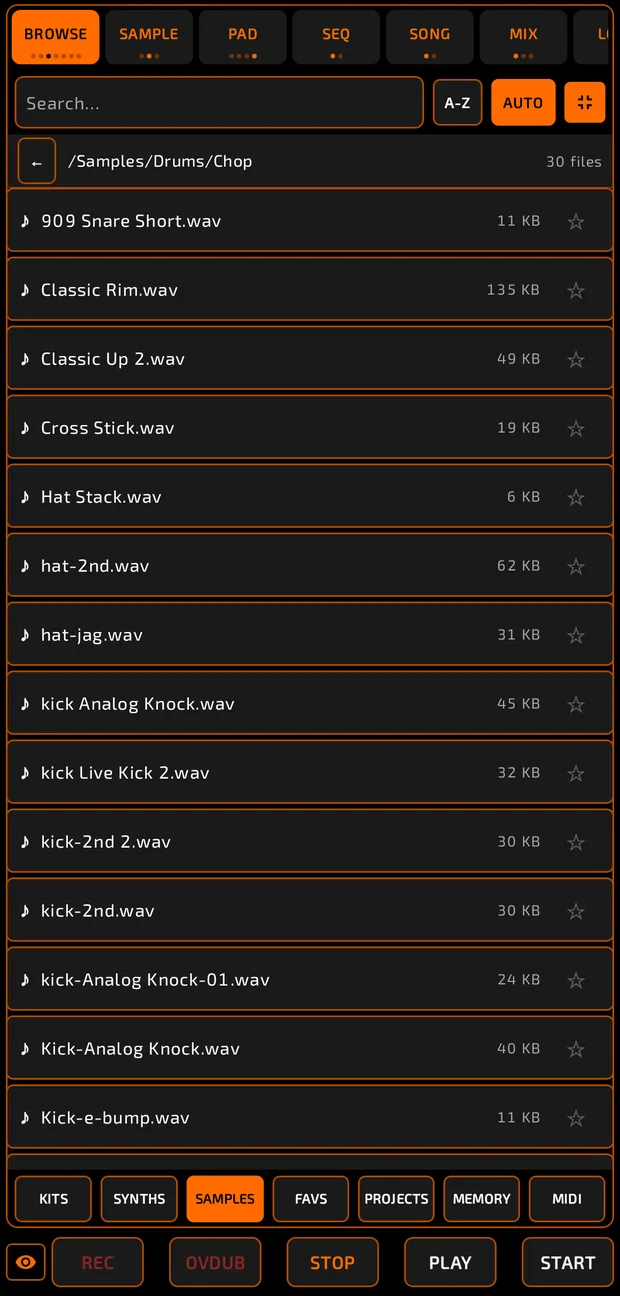
The tabs along the bottom are KITS, SYNTHS, SAMPLES, FAVS, PROJECTS, MEMORY and MIDI.
 Tapping BROWSE again at the top also steps through them. Each page has a full-screen button.
SAMPLES: your phone's files
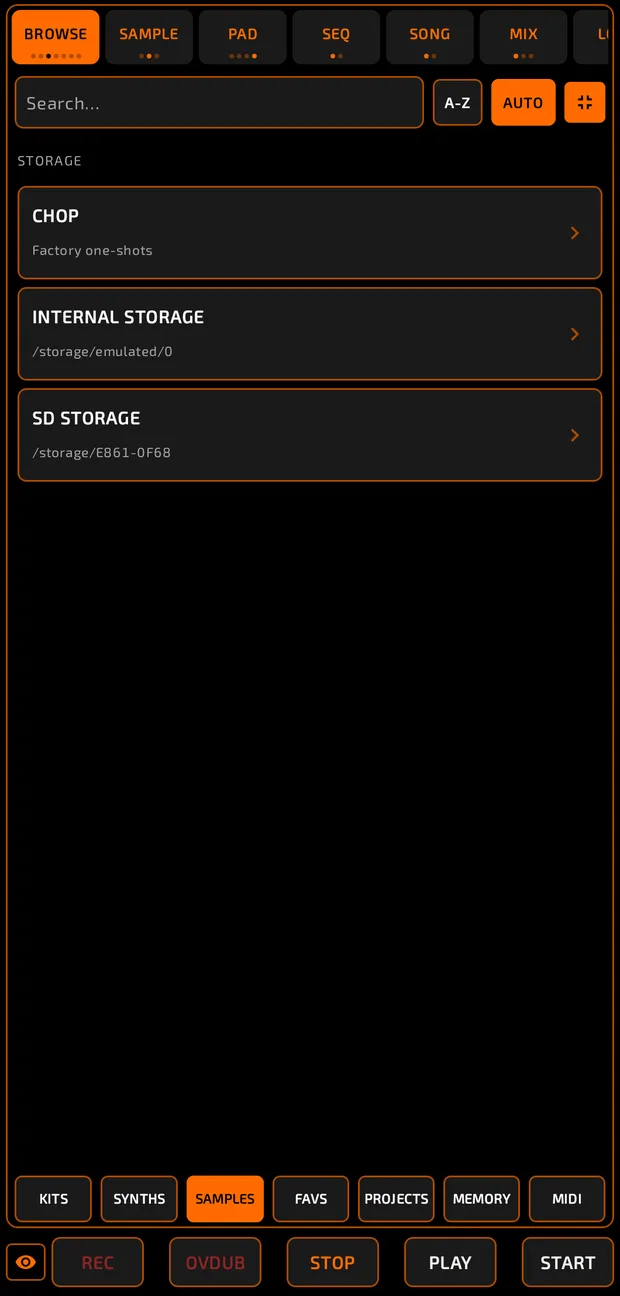
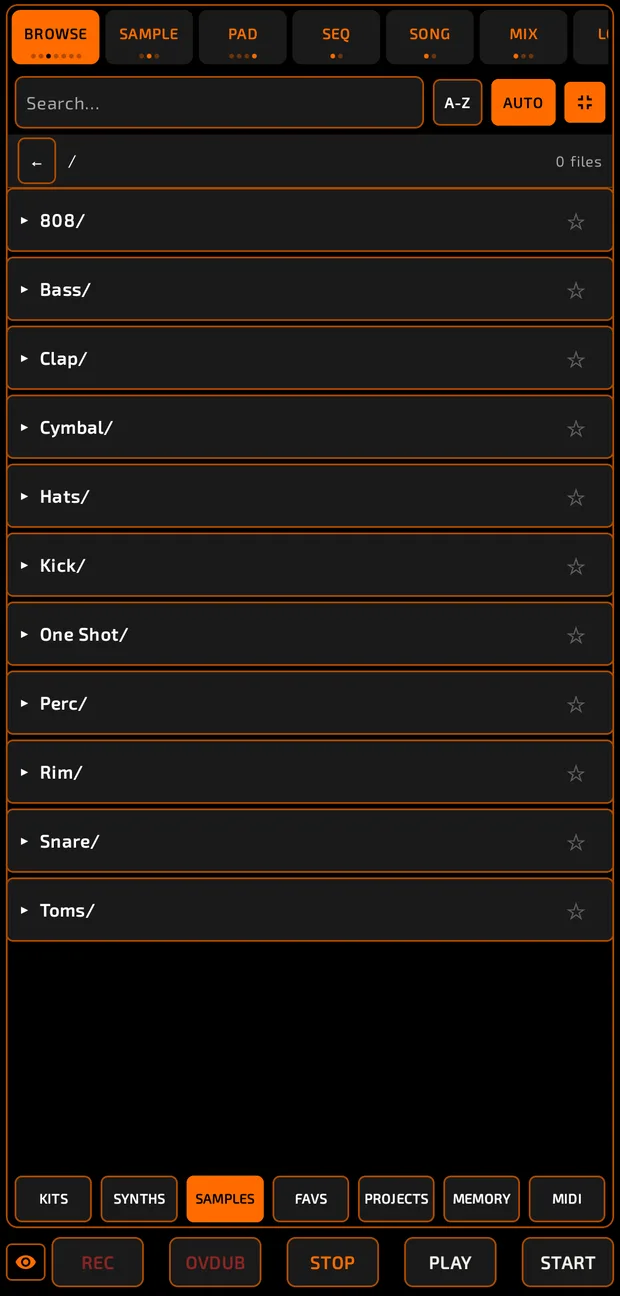
- The top level lists STORAGE: CHOP (factory one-shots), internal storage, and any SD card or USB drive.
- Tap a folder to open it. Tap ← (or use Android back) to go up.
- Search… filters the list. The sort chip cycles A-Z, Z-A, NEW, OLD.
- AUTO plays a preview when you tap a file. It's on by default.
- Tap the star next to a file or folder to add it to favorites.
The first time, Android asks for permission to read your audio files.
How to load a sample onto a pad
- Find the sample.
- Long-press it and drag it onto a pad (hover over a bank letter to switch banks on the way).
- If the pad already has a sound, choose OVERWRITE or SKIP.
Tip: with pads selected in multi-select, drop the sample on one of them to load it onto all of them.
KITS
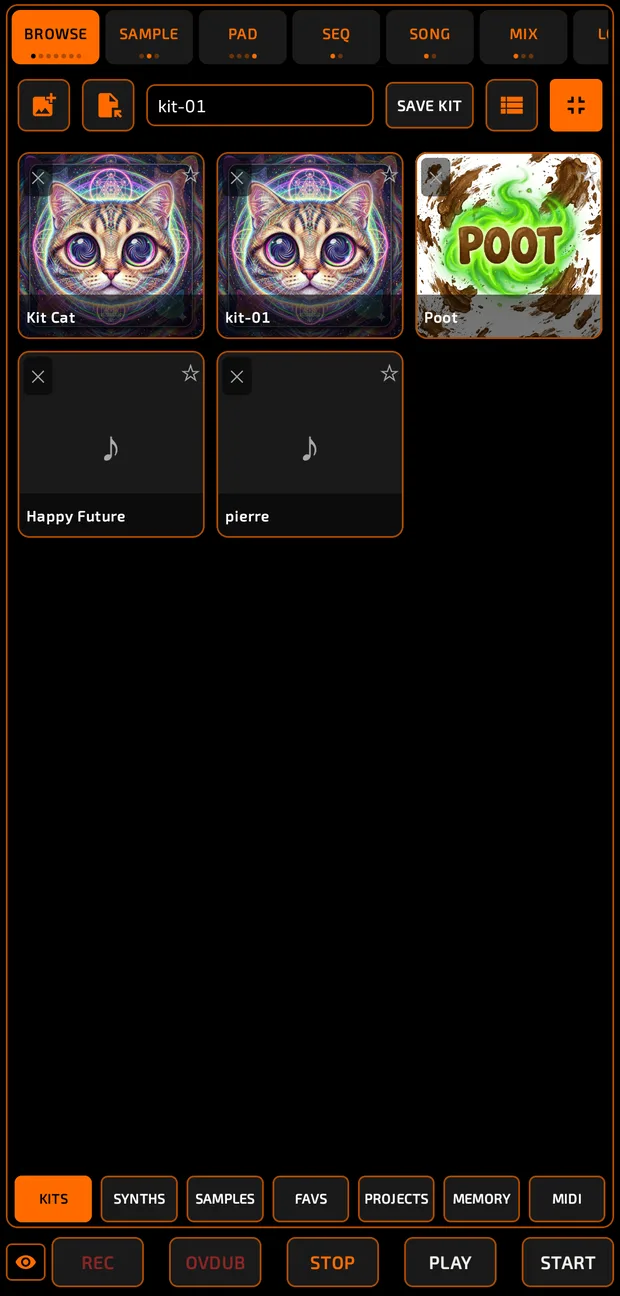
A kit is a set of pads saved together.
How to save a kit
- Type a name in Name this kit….
- Optionally tap the picture box to add a cover image.
- Tap SAVE KIT. The first time, choose a kits folder (CHOOSE KITS FOLDER).
How to load a kit
- Tap a kit.
- Confirm LOAD KIT? with APPLY. This replaces all current pads.
Tap ✕ on a kit to delete it. The folder button lets you load a kit from anywhere on your phone.
SYNTHS
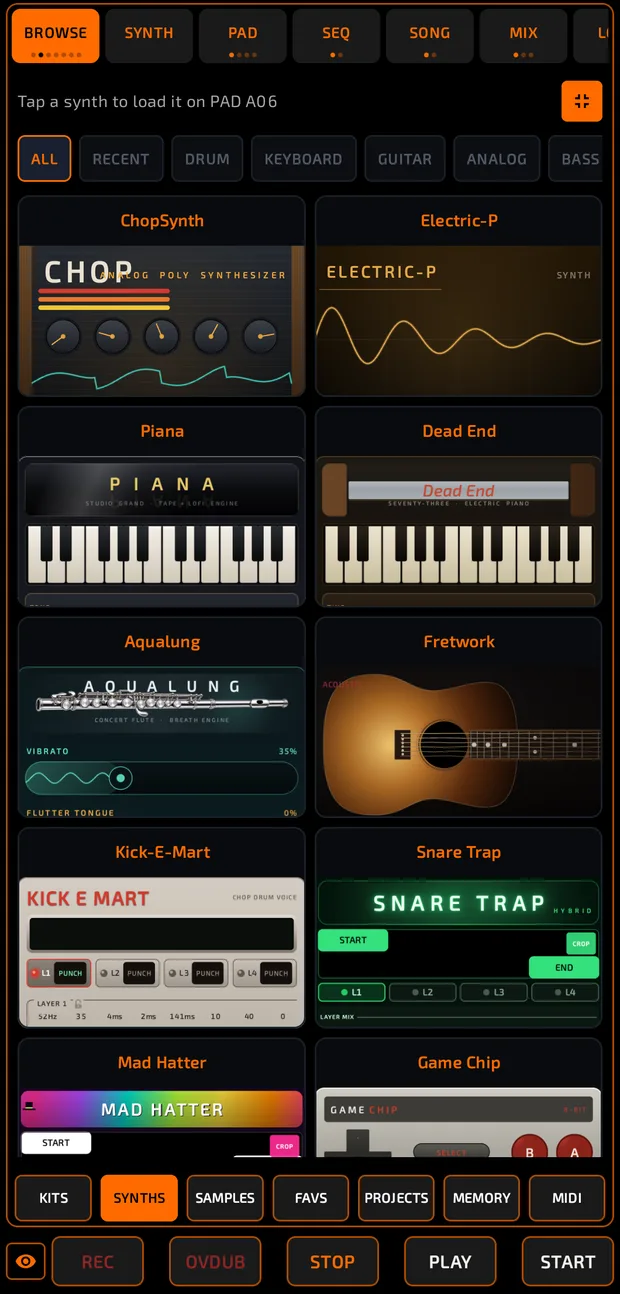
The synth picker. Select a pad first, then tap a synth to load it. See Synths.
FAVS
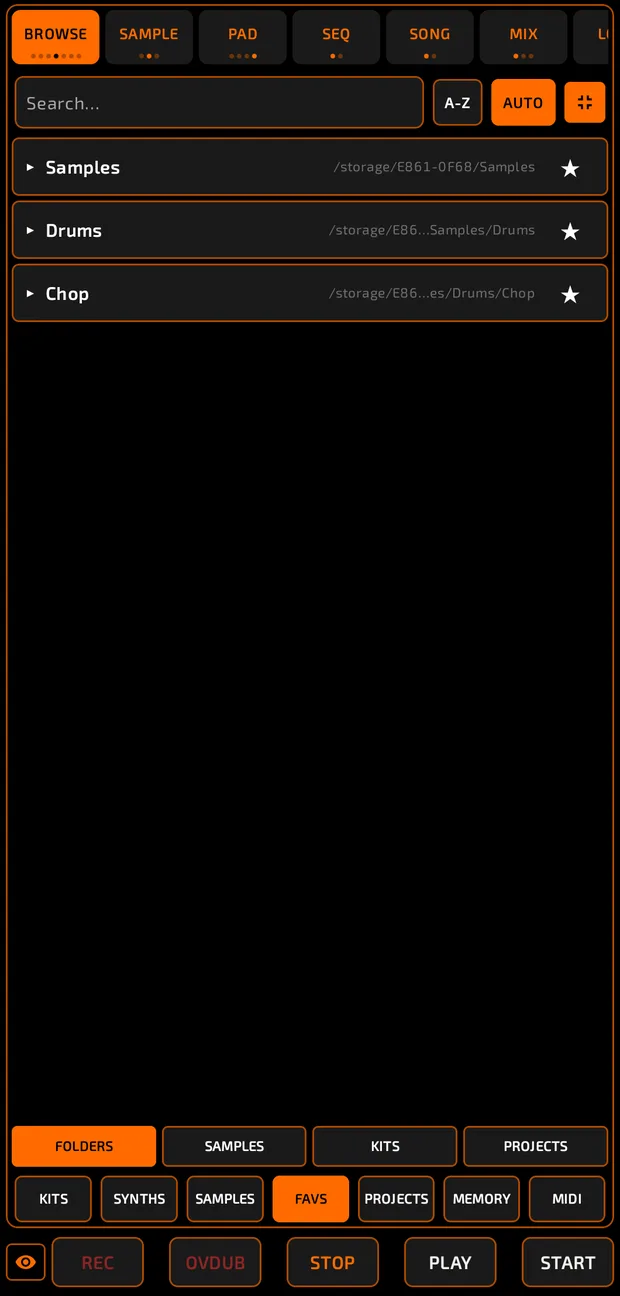
Your starred items, split into FOLDERS, SAMPLES, KITS and PROJECTS. Tap a starred folder to jump to it in SAMPLES. Drag starred samples onto pads as usual.
PROJECTS
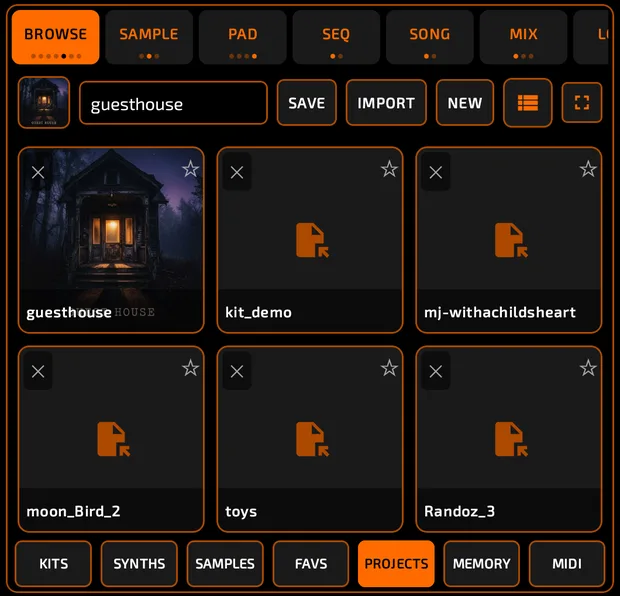
Save and open whole projects. See Projects and Export.
MEMORY
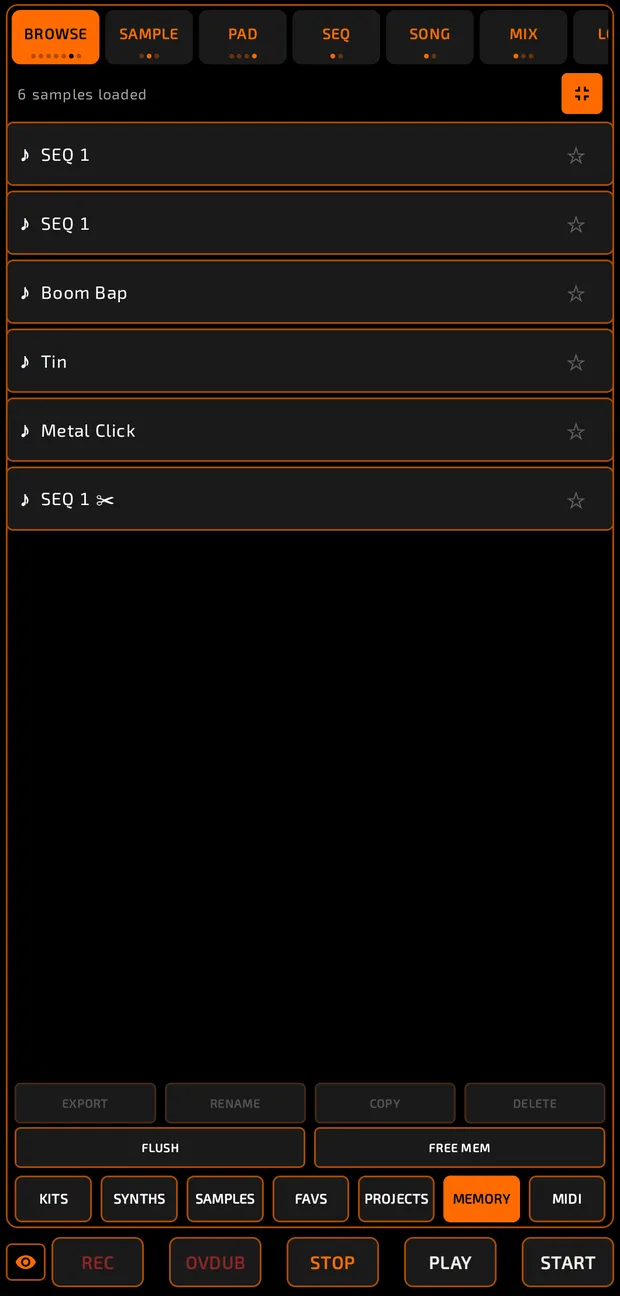
Lists every sample loaded in the current project (N samples loaded). Tap one to preview it.
| Button | What it does |
|---|---|
| EXPORT | Saves the sample as a WAV. If it has slices, choose WITH SLICES (slice markers included) or AUDIO ONLY. |
| RENAME | Renames the sample. |
| COPY | Copies the sample. |
| DELETE | Removes the sample from every pad that uses it. |
| FLUSH | Clears unused samples, pads or sequences. See Flatten and Resources. |
| FREE MEM | Clears undo history to reclaim memory. See Flatten and Resources. |
MIDI
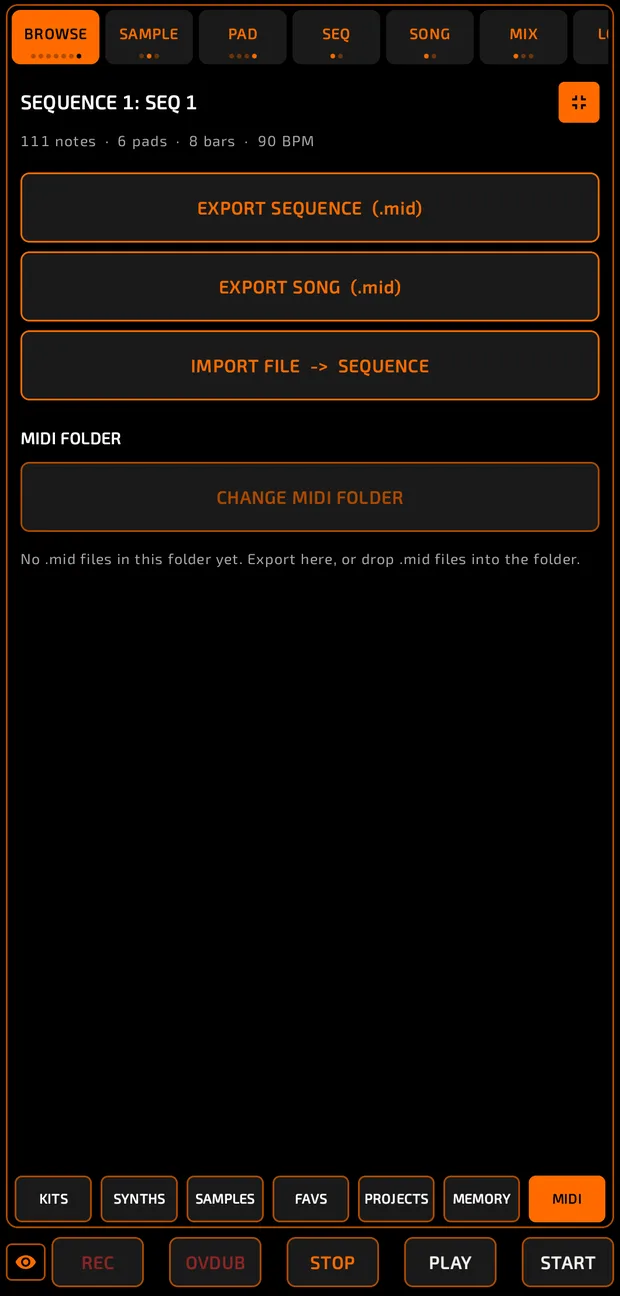
Import and export standard MIDI files. See MIDI.
Tips
- Star the folders you use most so they're one tap away in FAVS.
- Turn AUTO off if you want to browse quietly.
- There's no "recent samples" list; the synth picker is the only place with RECENT.